Editing Policies
To edit a CDP policy:
- Open the Home view.
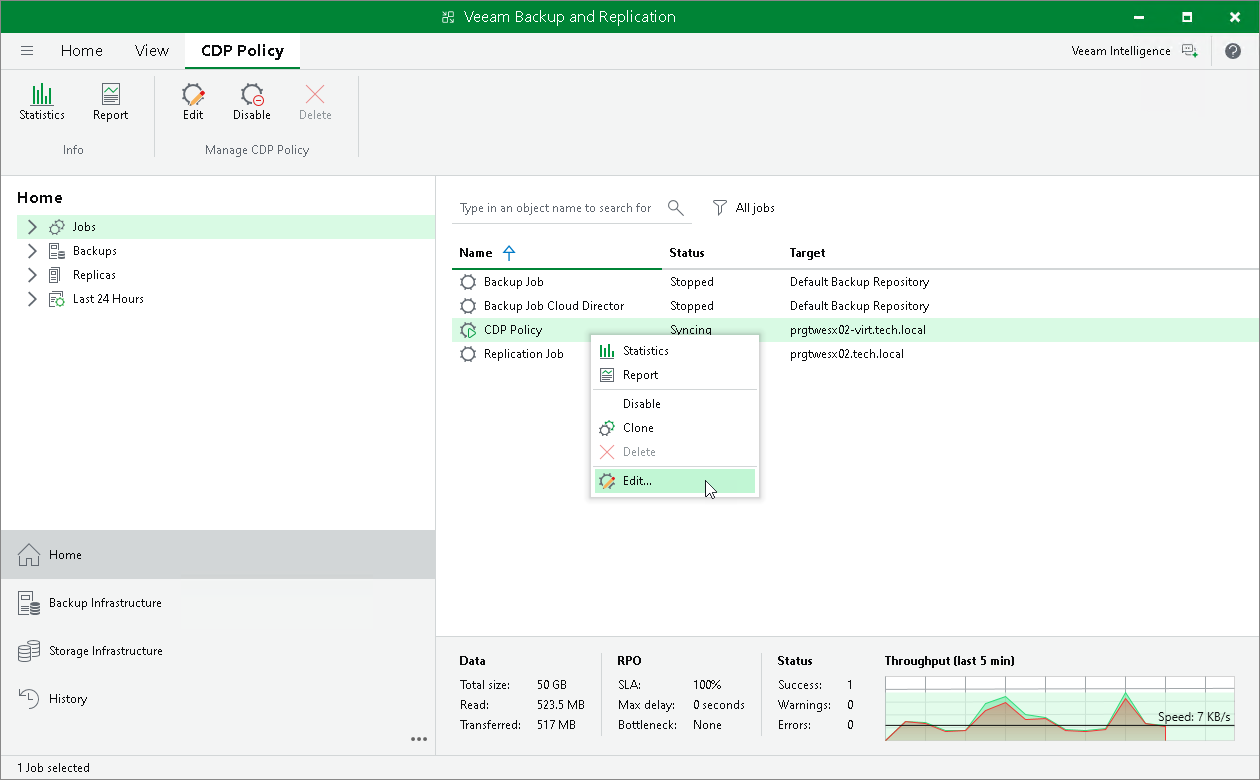
- In the inventory pane, navigate to the Jobs > CDP node.
- In the working area, select the necessary policy and select Edit on the ribbon. As an alternative, right-click the necessary policy and select Edit.
- Follow the instructions provided in the Creating CDP Policies section.
Related Topics