Step 3. Begin Installation
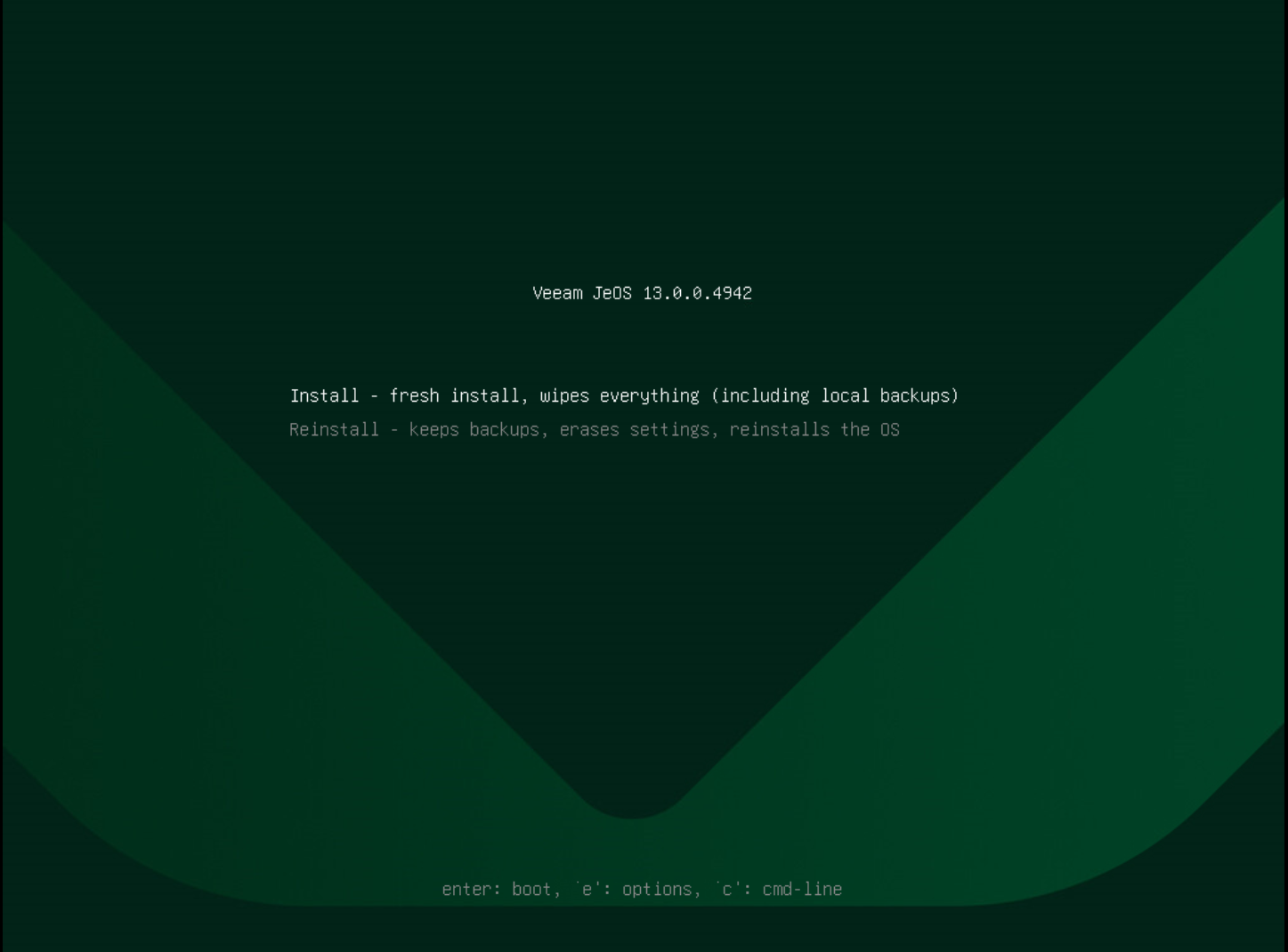
In the deployment submenu, select Install and press [Enter].
|
Note |
|
The submenu also contains the Reinstall and Upgrade Hardened Repository to the latest version options. For more information on reinstalling the appliance, see Reinstalling Veeam Infrastructure Appliance with ISO. |
When the installer is loaded, confirm the operation.
After the installation is complete, do the following:
- Select Reboot System or wait for the system to reboot automatically.
- After the system reboots, complete the Initial Configuration wizard.