Removing Service Accounts
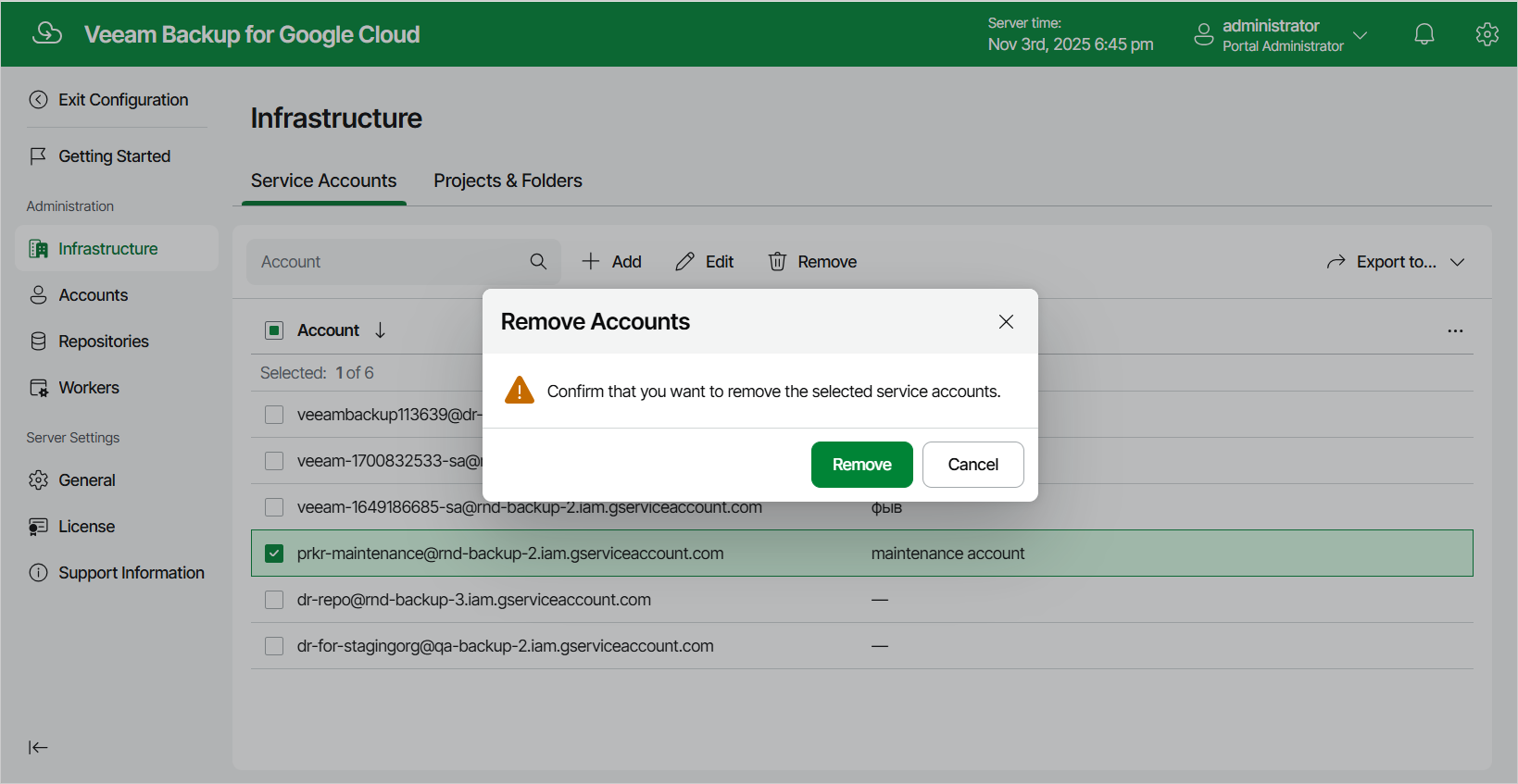
The backup appliance allows you to permanently remove a service account from the configuration database if you no longer need it:
- Switch to the Configuration page.
- Navigate to Infrastructure > Service Accounts.
- Select the account and click Remove.
|
Note |
|
You cannot remove a service account that is associated with any project or folder. Remove all the related projects and folders — and then try removing the account again. |