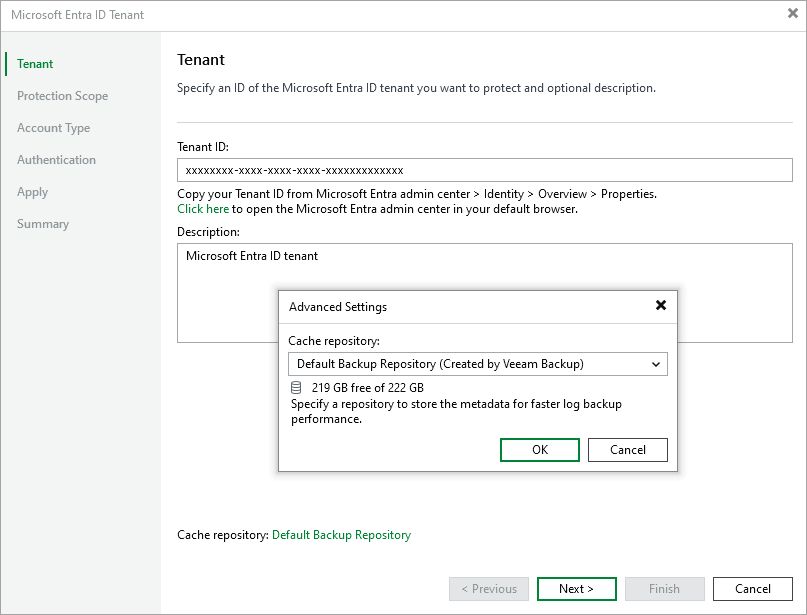
Step 2. Specify Tenant ID and Cache Repository
At the Tenant step of the wizard, specify the GUID of a Microsoft Entra ID tenant whose resources you plan to back up and provide a description for future reference. You can find the tenant ID on the Overview page of your Microsoft Entra application in the Microsoft Azure portal. For more information, see Microsoft Docs.
You can also choose a repository where Veeam Backup & Replication will store temporary cache files while performing data protection and disaster recovery operations. By default, these files are stored on the PostgreSQL instance running the configuration database; however, you can specify another repository to distribute backup traffic — to do that, click Cache and select the necessary repository in the Advanced Settings window. For a repository to be displayed in the Cache repository list, it must be added to the backup infrastructure as described in section Backup Repositories.