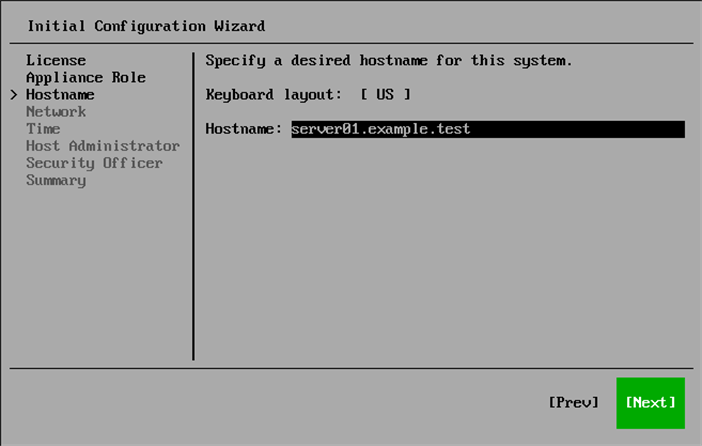
Step 5. Specify Hostname

At the Hostname step of the Initial Configuration wizard, specify the name of the server and select Next.

Note

Consider the following:

  • It is recommended that you use a Fully Qualified Domain Name as a hostname.
  • The Keyboard layout field shows the layout currently used in the wizard. If you use a keyboard with a layout other than US English, press [Ctrl+K], find and select the layout you want to use, and press [Enter].

You can change the server name later in the Host Management console. For more information, see Changing Server Name.

Step 6. Specify Hostname

Page updated 2026-07-28

Page content applies to build 13.1.1.18