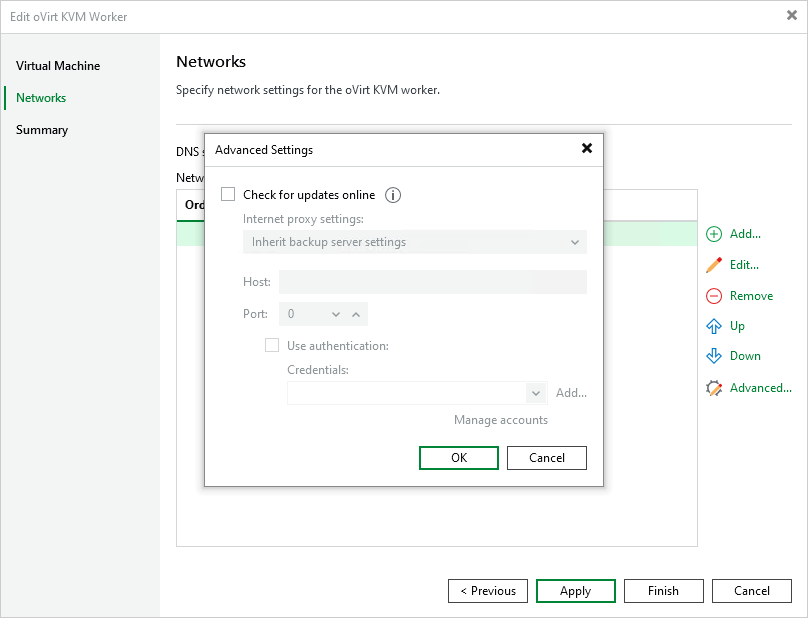
Disabling Automatic Worker Updates
When launching a worker for a backup or restore operation, Veeam Backup & Replication automatically downloads updates from Veeam repositories and installs them on the worker. If the worker is not connected to the Internet, you can instruct Veeam Backup & Replication to use an HTTP proxy that will provide access to the necessary repositories.
If a worker does not have access to the internet and no internet proxy is configured for the worker, you can disable automatic updates to avoid connection failures and eliminate session warnings:
- Open the Backup Infrastructure view.
- In the inventory pane, select Backup Proxies.
- In the working area, select the necessary worker and click Edit Worker on the ribbon.
Alternatively, right-click the worker and select Properties.