Advanced
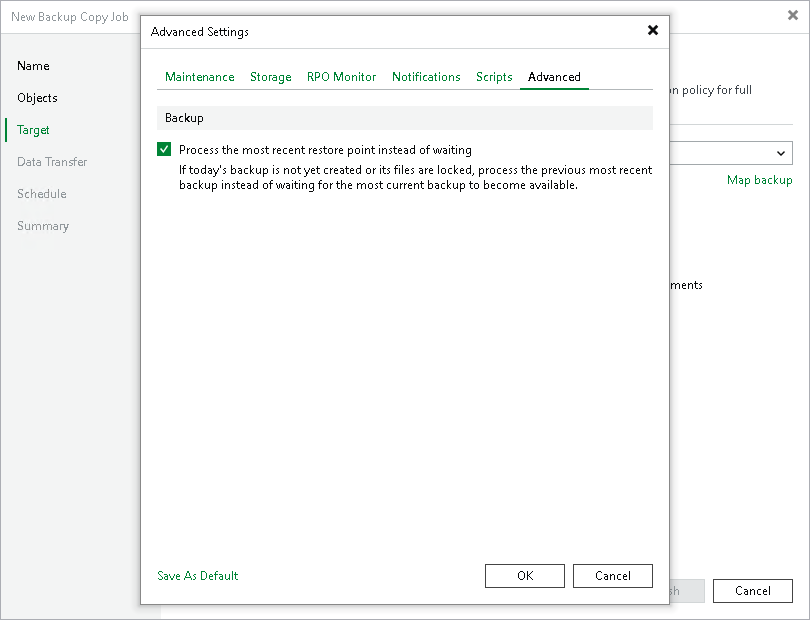
To specify advanced settings for the backup copy job:
- At the Target step of the wizard, click Advanced job settings.
- Click the Advanced tab.
- Select the Process the most recent restore point instead of waiting option to process the most recent restore point instead of waiting when a new restore point is not yet created.
-
If you want to save this set of settings as the default one, click Save as Default. When you create a new job, the saved settings will be offered as the default. This also applies to all users added to the backup server.
|
Note |
|
This option is available only in the periodic backup copy job. |