Editing Protection Group Settings
You can edit the settings of a protection group. This may be required, for example, if you added a new InterSystems IRIS ODB server and need to add it to the protection group.
To edit protection group settings:
- Open the Inventory view.
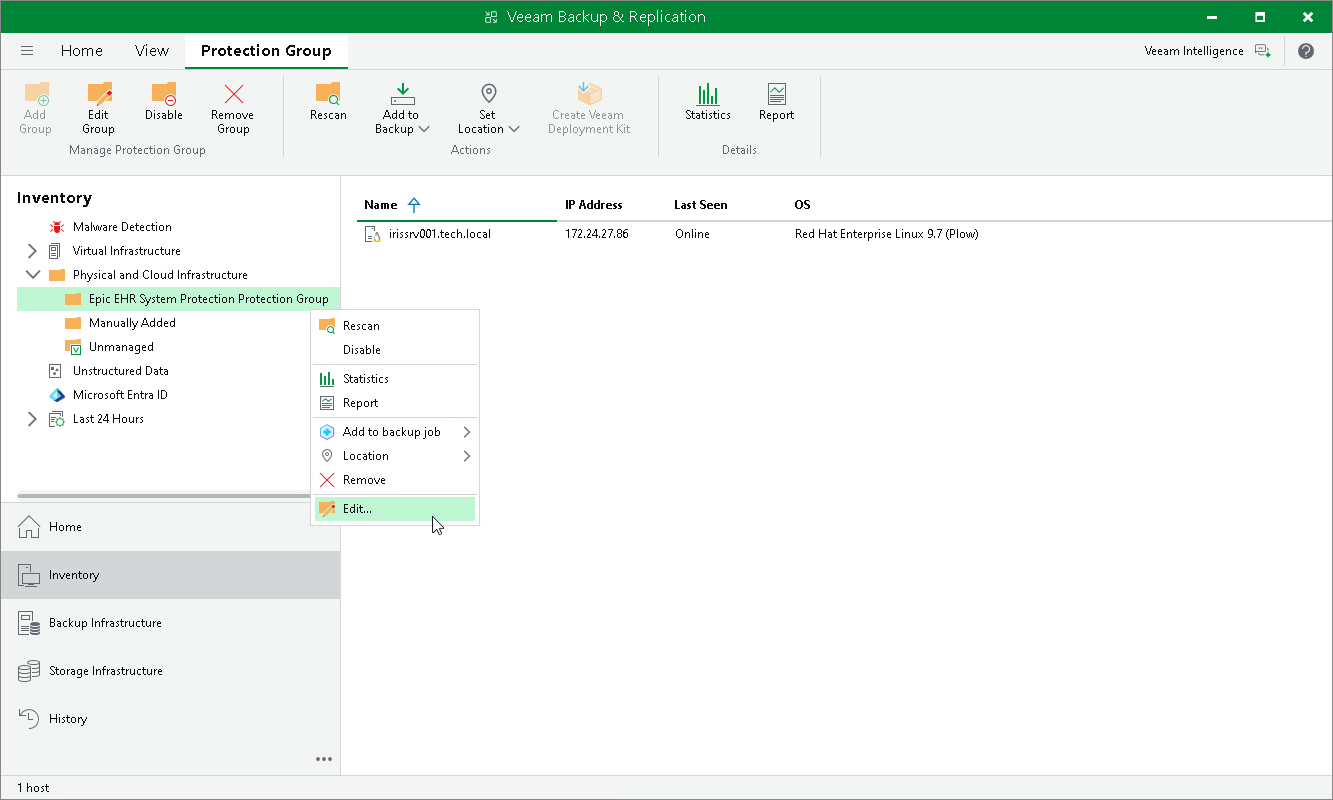
- In the inventory pane, in the Physical and Cloud Infrastructure node, select the InterSystems IRIS protection group you want to edit and do one of the following:
- Click Edit Group on the ribbon.
- Right-click the protection group and select Edit.
- Edit protection group settings as required.