Editing Settings of Backup Repositories
You can edit settings of backup repositories that you have added to the backup infrastructure.
|
Note |
|
When editing backup repository settings, you cannot change the selected repository server. Therefore, the Repository server field at the Server step is grayed out. |
|
Tip |
|
The following column headers show information on the repository storage settings:
|
To edit settings of a backup repository:
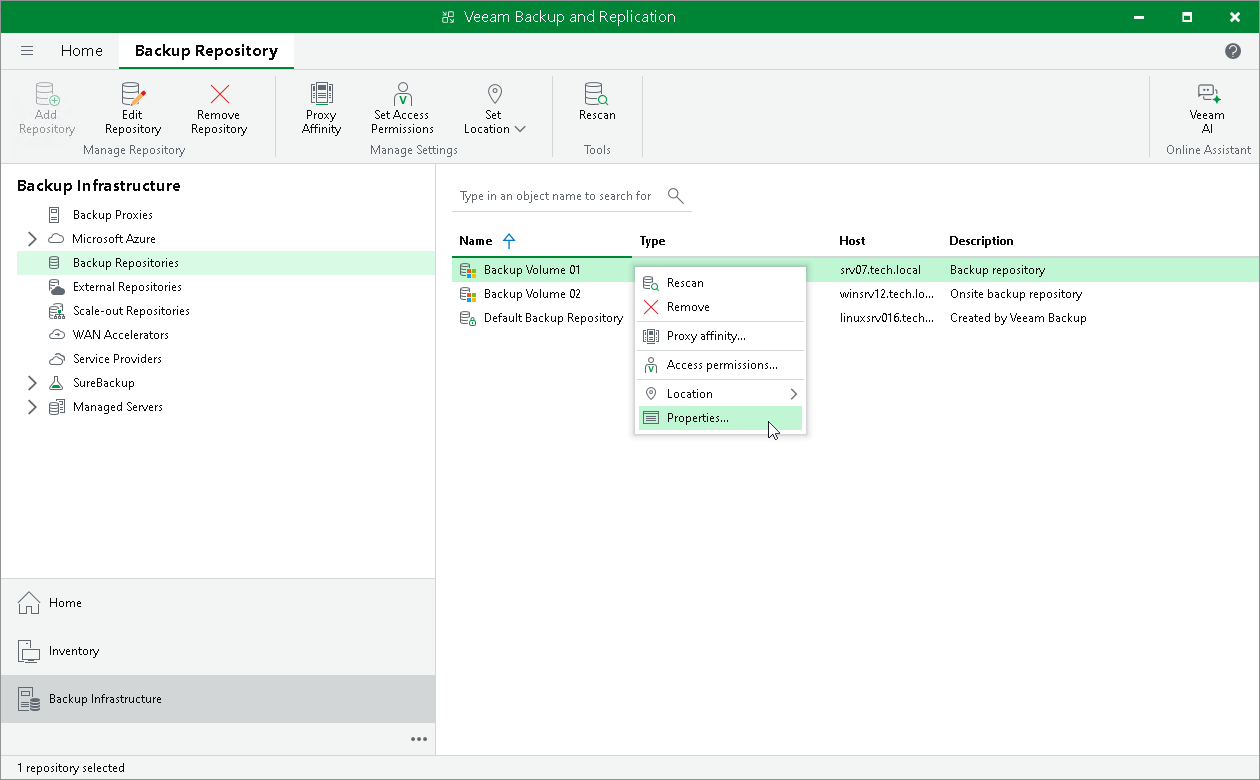
- Open the Backup Infrastructure view.
- In the inventory pane, select the Backup Repositories node.
- In the working area, select the backup repository and click Edit Repository on the ribbon or right-click the backup repository and select Properties.
- Edit the backup repository settings as required. Note that you cannot change the selected repository server and path to the folder used for storing backups.
*Here and throughout this document GB is considered as 2^30 bytes, TB as 2^40 bytes.