Deleting Backup Policy
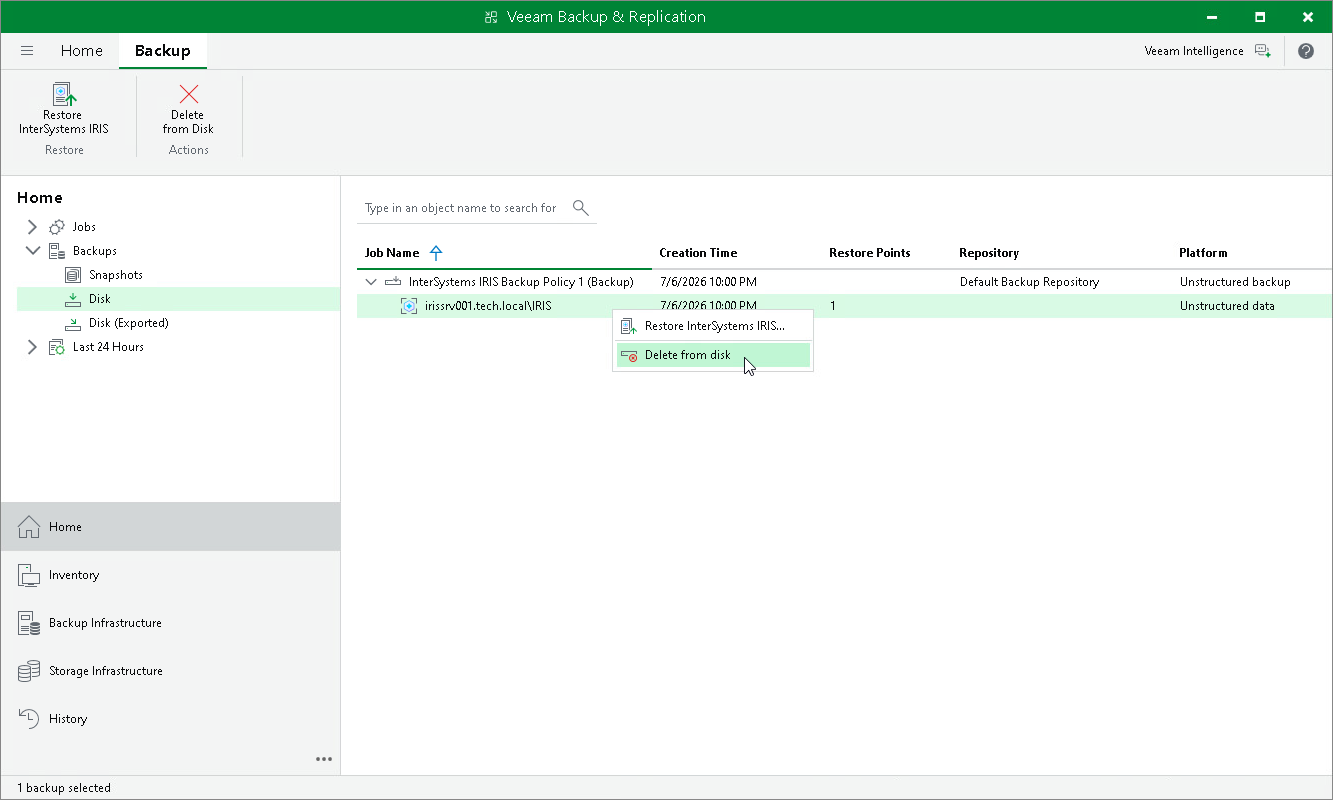
You can permanently remove a disabled application backup policy from Veeam Backup & Replication. Backups created by this policy remain in the target location.
To remove an application backup policy:
- Open the Home view.
- In the inventory pane, select Jobs.
- In the working area, select the application backup policy and click Disable on the ribbon or right-click the policy and select Disable.
- Wait for Veeam Backup & Replication to disable the policy, then select it and click Delete on the ribbon or right-click the policy and select Delete.
After the policy is deleted, the backups created by it are displayed under the Backups > Disk (Orphaned) node.