Deleting Jobs
You can permanently delete a job from the Veeam Backup & Replication configuration database if you no longer need it. When you delete a job, backups created by this job are displayed on the Backups page as backups of the Orphaned type. If you want to delete backup files as well, follow the instructions provided in section Deleting Backups.
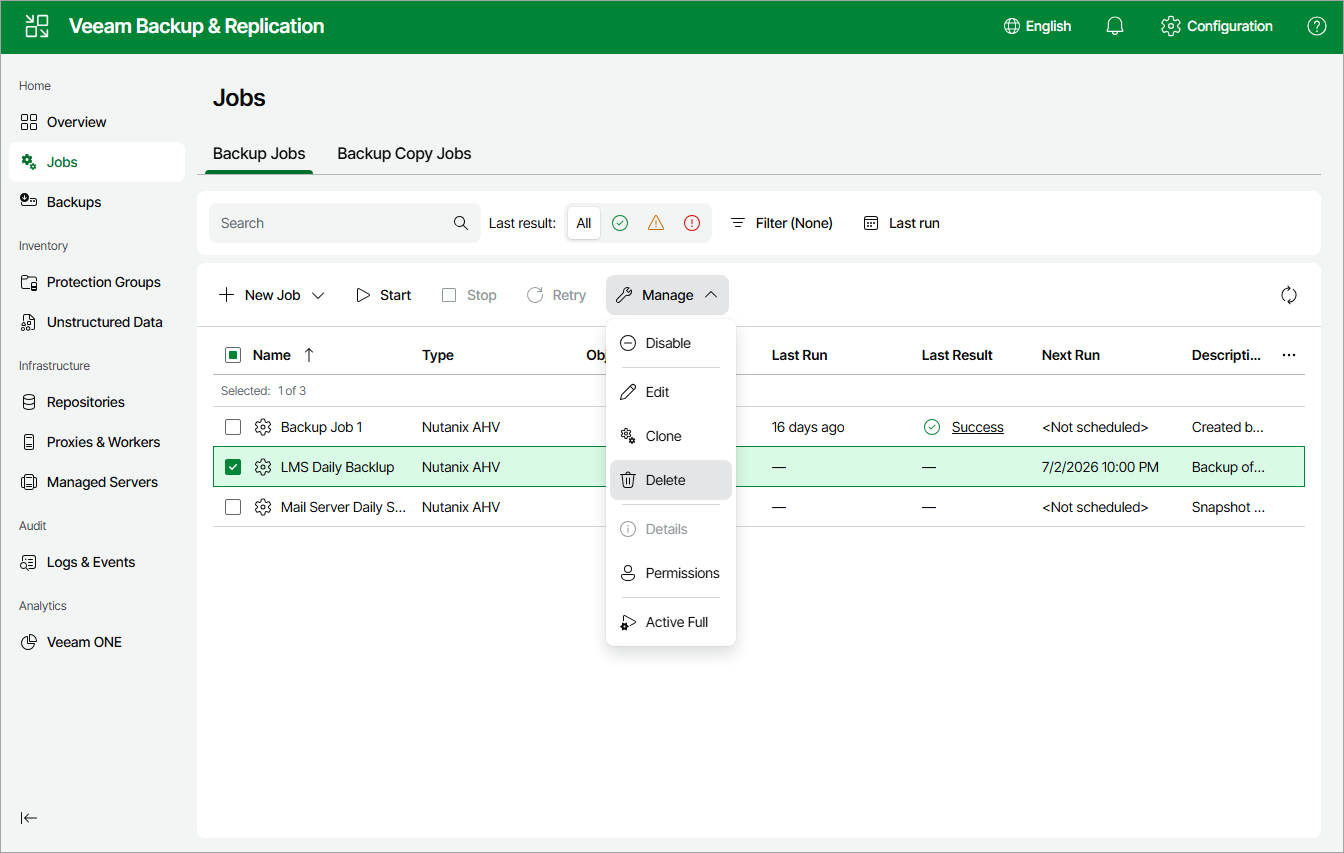
To delete a job, do the following:
- Navigate to Jobs.
- Select the necessary job.
- Click Manage > Delete.
Alternatively, select the necessary job and click Manage > Delete.