Step 1. Launch InterSystems IRIS Instance Restore Wizard
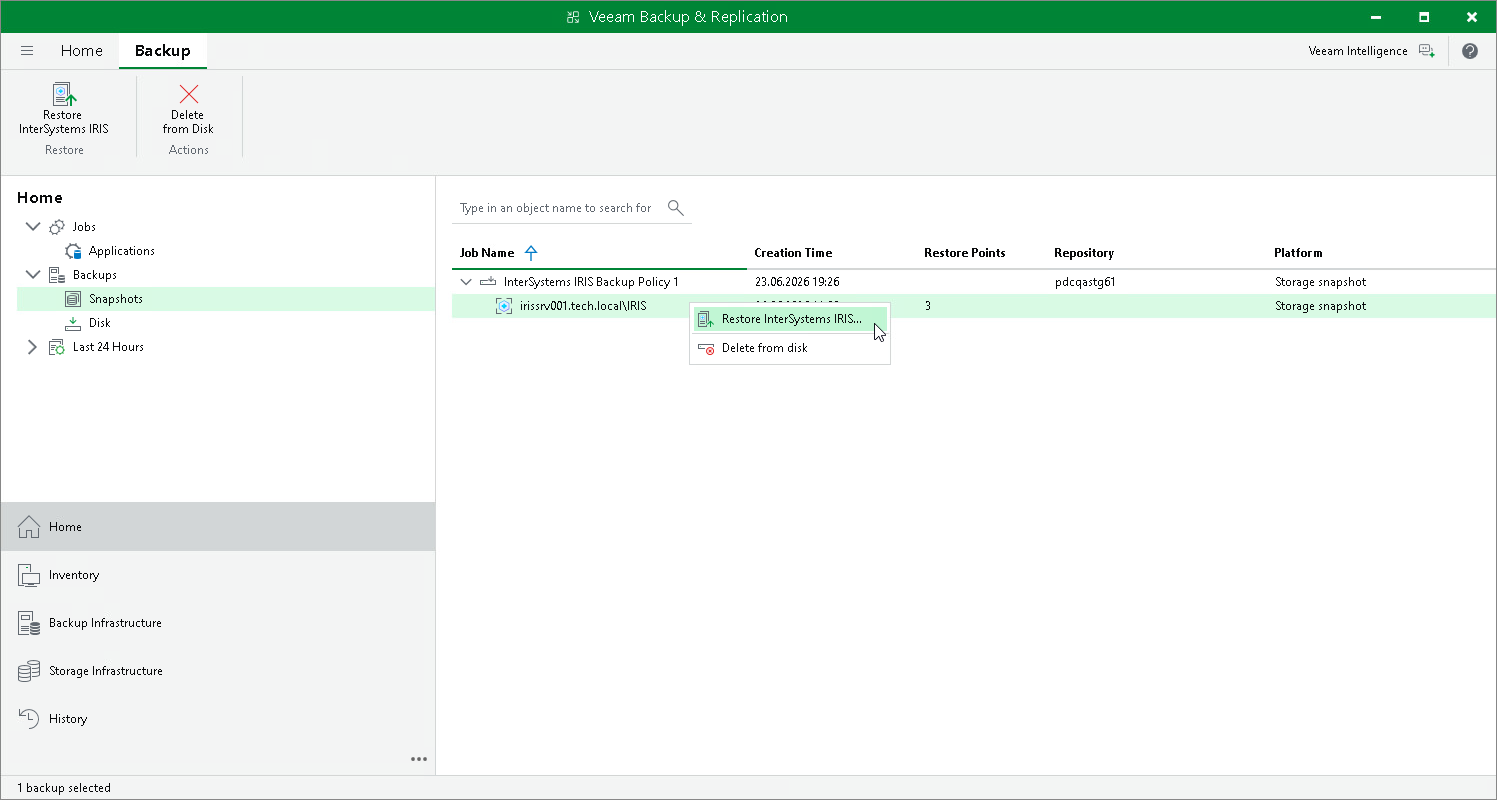
To launch the restore wizard from storage snapshots:
- Open the Home view.
- In the inventory pane, click Backups > Snapshots.
- In the working area, select the backed up InterSystems IRIS instance and select Restore InterSystems IRIS on the ribbon or right-click the snapshot and select Restore InterSystems IRIS.