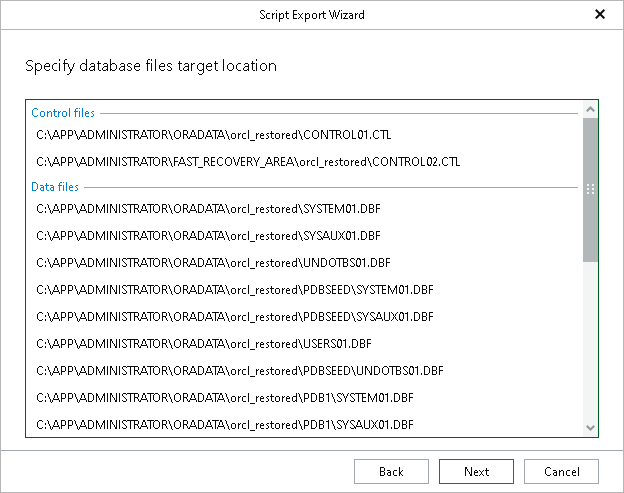
Step 5. Specify Database Files Location
At this step of the wizard, specify the location to which data files will be restored.
Consider the following:
- When restoring with the Restore with the original name and settings option, only the location for Data files will be available for editing.
- When restoring with the Restore with different name and settings option, the location for the following files will be available for editing:
- Data files
- Log files
- Temp files
|
Note |
Even though the Control files paths are available for editing at this step, the edits will not be applied in the generated recovery script. |
To change the target location, click the row and specify the path.