Backup Health Settings
You can instruct Veeam Backup & Replication to periodically perform the health check for the latest restore point in the backup chain and run maintenance operations to make sure that the backup chain remains valid and consistent.
Specifying Health Check Settings
To specify health check settings for the backup job:
- At the Storage step of the wizard, click Change default advanced settings next to the Advanced settings.
- Click the Backup Health tab.
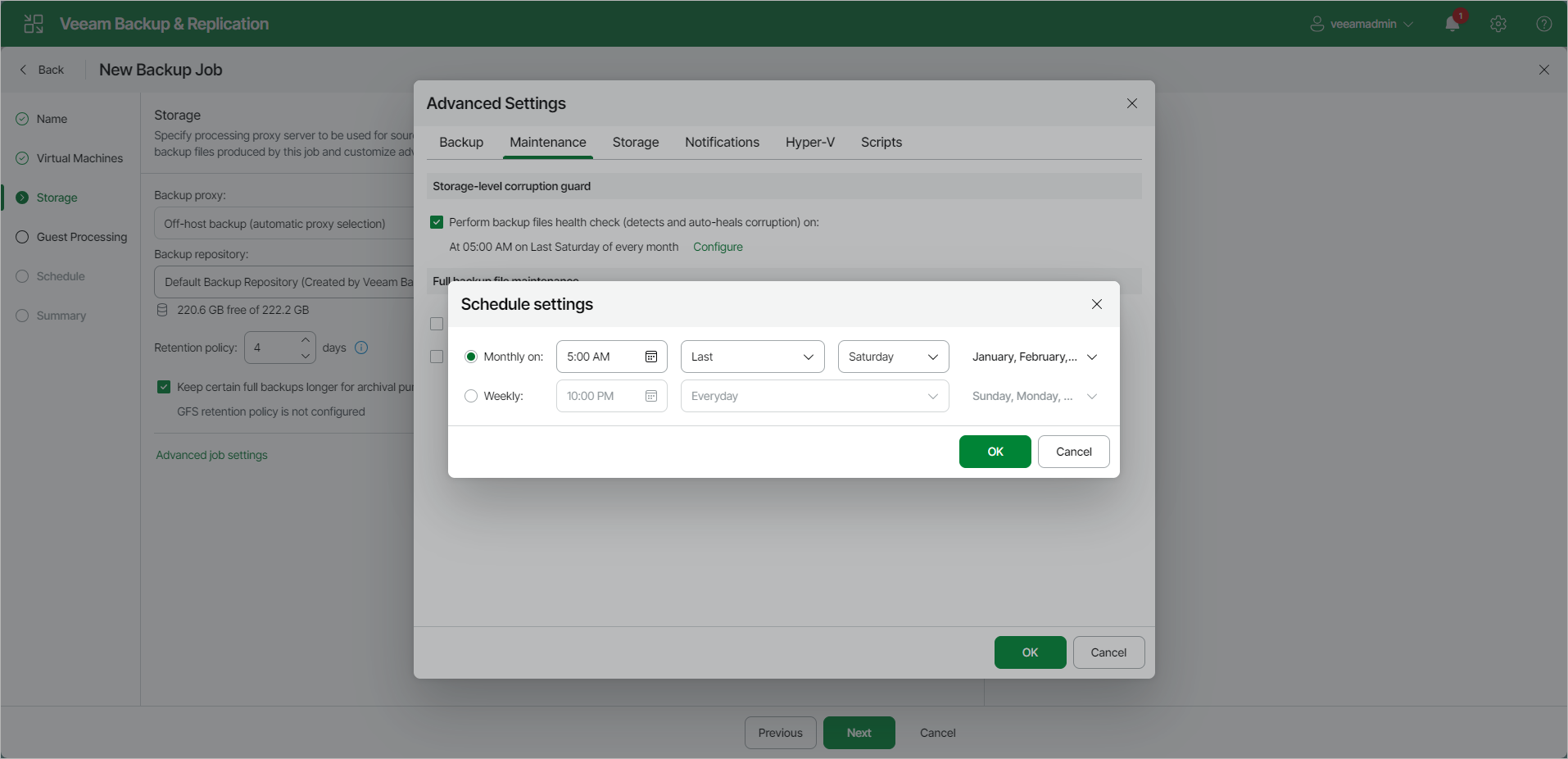
- In the Storage-Level Corruption Guard section, set the Perform backup files health check (detects and auto-heals corruption) on toggle to On and specify the time schedule for the health check. By default, if the health check is enabled, it is performed monthly at 5:00 AM every last Saturday.
- Specify whether you want to perform the health check weekly or monthly and specify the schedule settings.
Specifying Backup File Maintenance
To specify maintenance settings for the backup job:
- At the Storage step of the wizard, click Change default advanced settings next to the Advanced settings.
- Click the Backup Health tab.
- In the Full Backup File Maintenance section, set the Remove deleted items data after toggle to On and specify the number of days for which you want to keep backup data for deleted VMs.
|
Note |
|
Consider the following:
|
- To periodically compact a full backup, set the Defragment and compact full backup file on toggle to On and specify whether you want to compact a full backup weekly or monthly and specify the schedule settings.
Important |
|
Consider the following:
|