Step 1. Launch Add External Repository Wizard
To launch the Add External Repository wizard, do the following:
- In the Veeam Backup & Replication console, open the Backup Infrastructure view.
- Navigate to External Repositories and click Add Repository on the ribbon.
Alternatively, you can right-click the External Repositories node and select Add.
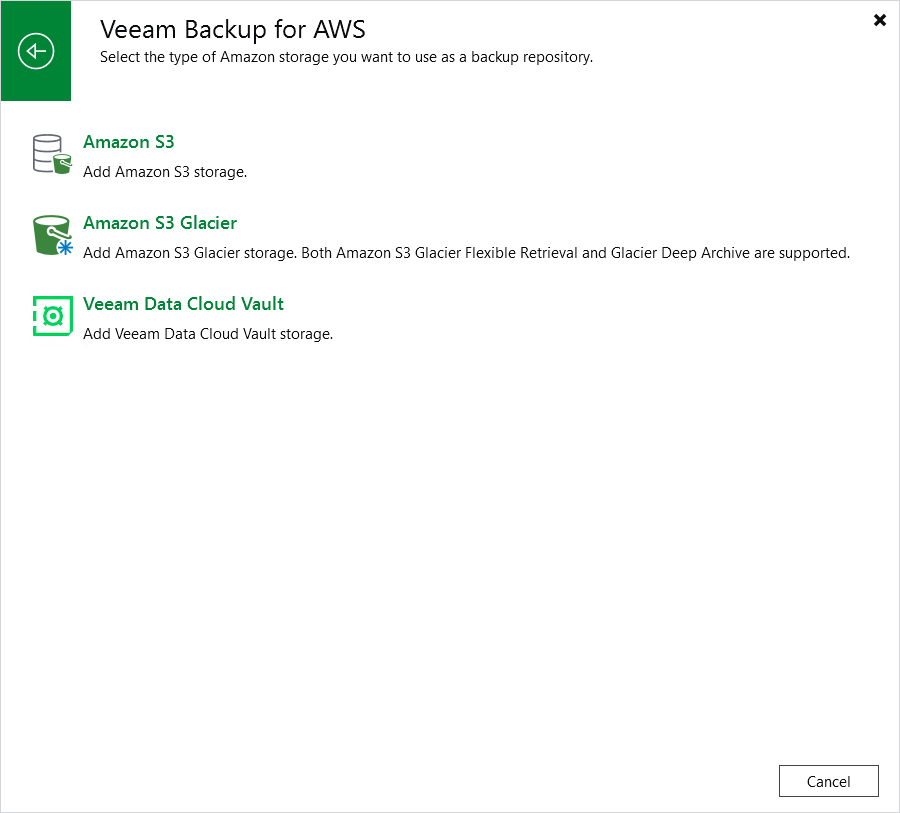
- In the Add External Repository window, click Veeam Backup for AWS and select either of the following options:
- Select the Amazon S3 option if you want to create a repository with the S3 Standard or S3 Standard-IA storage class assigned.
- Select the Amazon S3 Glacier option if you want to create a repository with the S3 Glacier Flexible Retrieval or S3 Glacier Deep Archive storage class assigned.