Step 1. Launch Restore Wizard
To restore a collection, do the following:
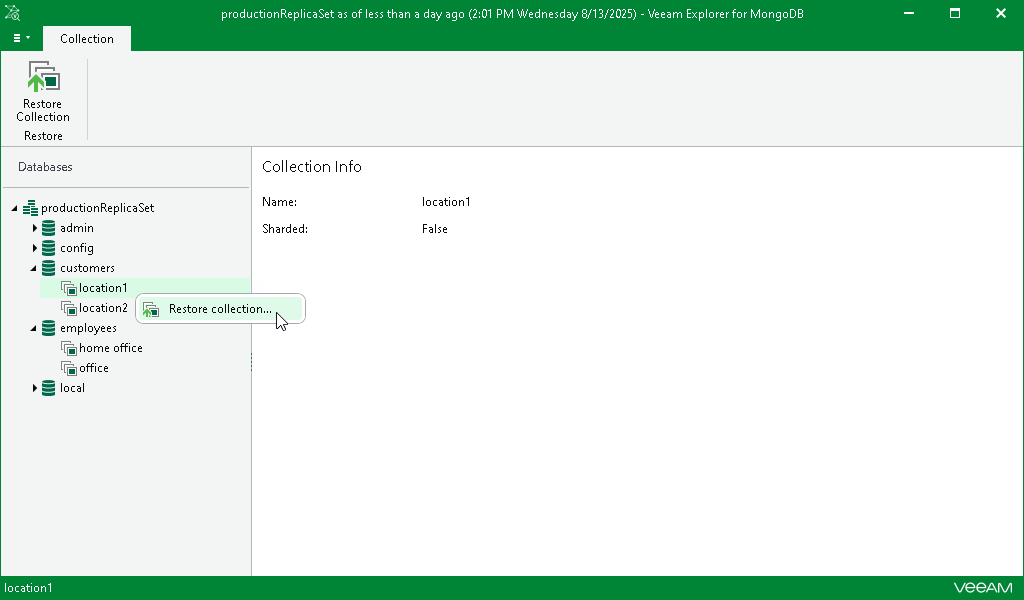
- In the navigation pane, select a collection.
- On the Collection tab in the ribbon menu, select Restore Collection.
Alternatively, you can right-click a collection in the navigation pane and select Restore collection.