Editing Protection Group Settings
You can edit settings of a protection group. This operation may be required, for example, if you want to add/remove computers to/from a protection group or change settings for protected computers discovery and Veeam Agent deployment defined in the properties of the protection group.
|
NOTE |
|
Consider the following:
|
You can edit protection group settings in the following ways:
Editing Protection Group Settings Using Veeam Backup & Replication Console
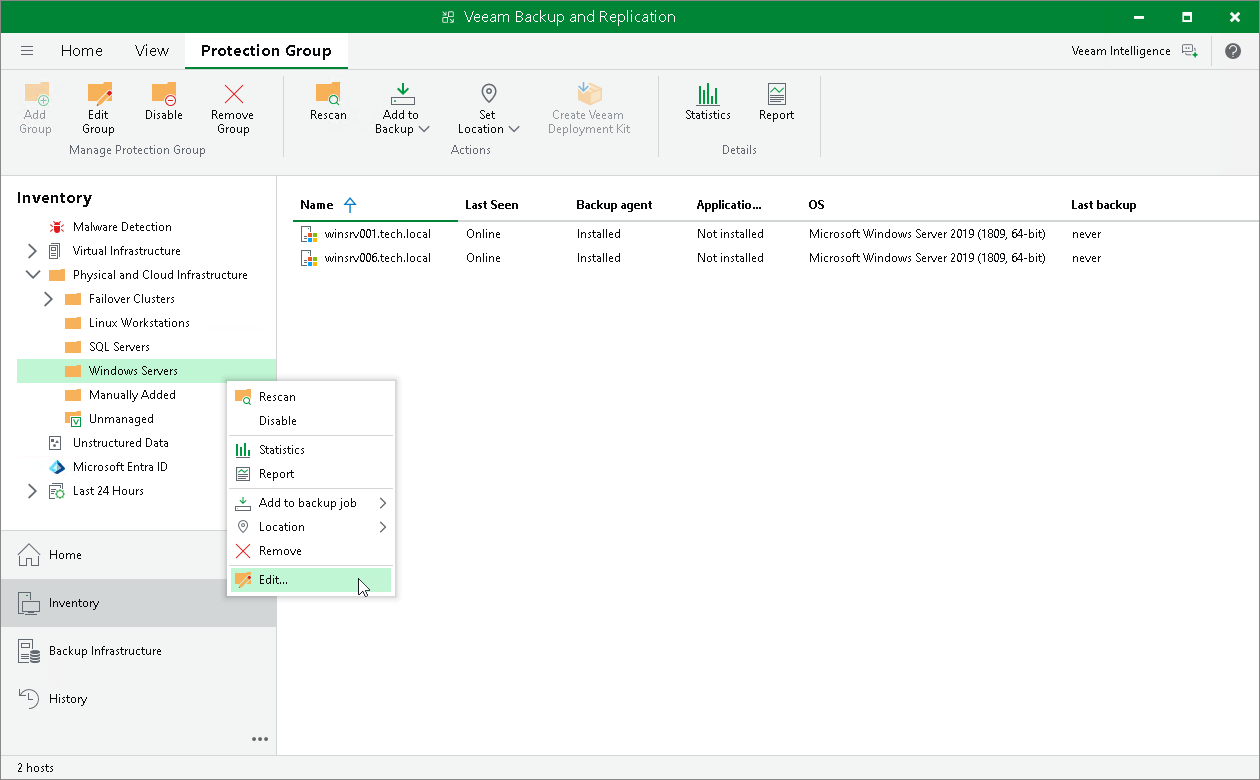
To edit protection group settings in the Veeam Backup & Replication console:
- Open the Inventory view.
- In the inventory pane, expand the Physical and Cloud Infrastructure node.
- In the inventory pane, select the protection group that you want to edit and click Edit Group on the ribbon or right-click the protection group that you want to edit and select Edit.
- Edit protection group settings as required.
Editing Protection Group Settings Using Veeam Backup & Replication Web UI
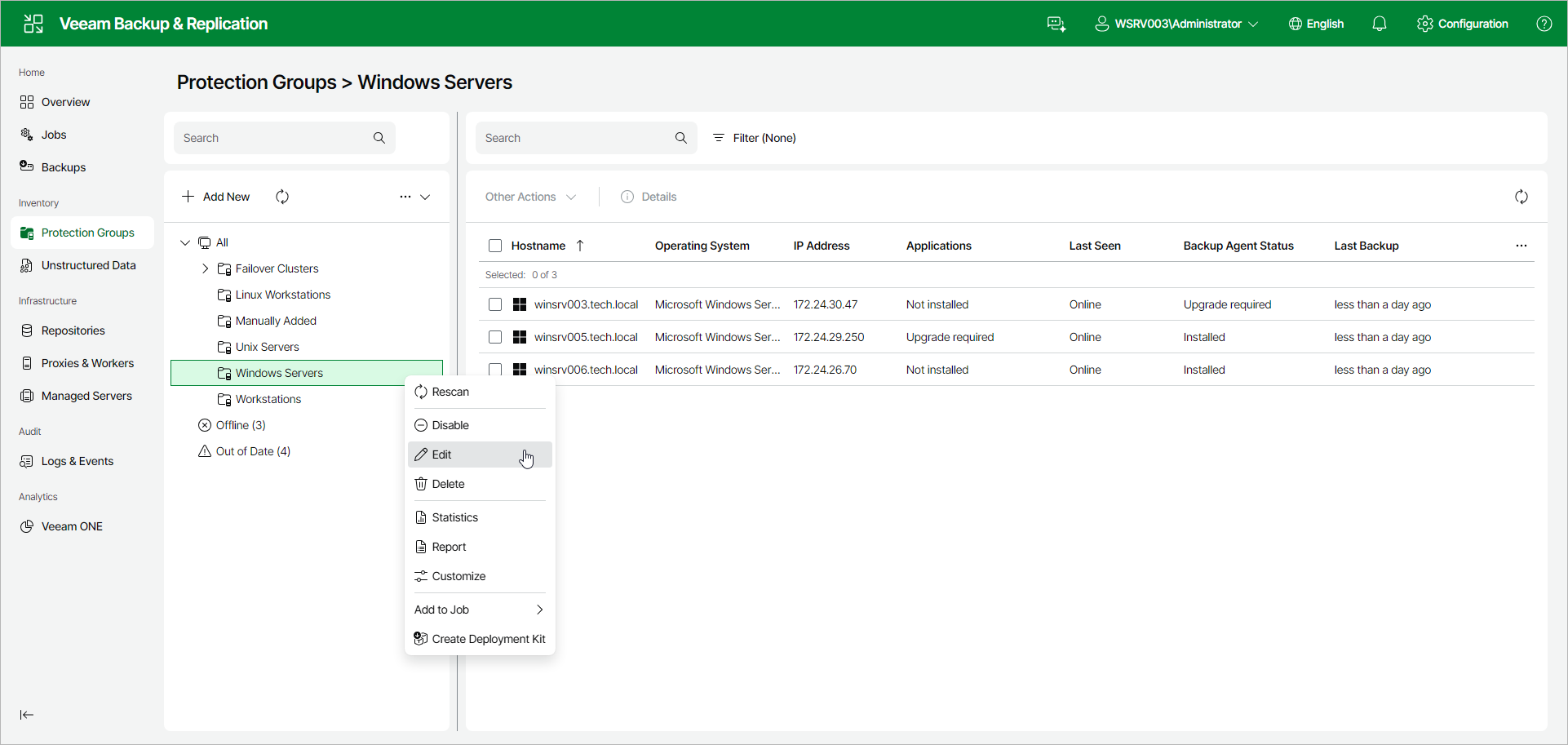
To edit protection group settings in the Veeam Backup & Replication web UI:
- In the management pane, click Protection Groups.
- Right-click the protection group that you want to edit, or select the protection group and select Edit from the Other drop-down list.
- Edit protection group settings as required.