Step 5. Specify Restore Reason
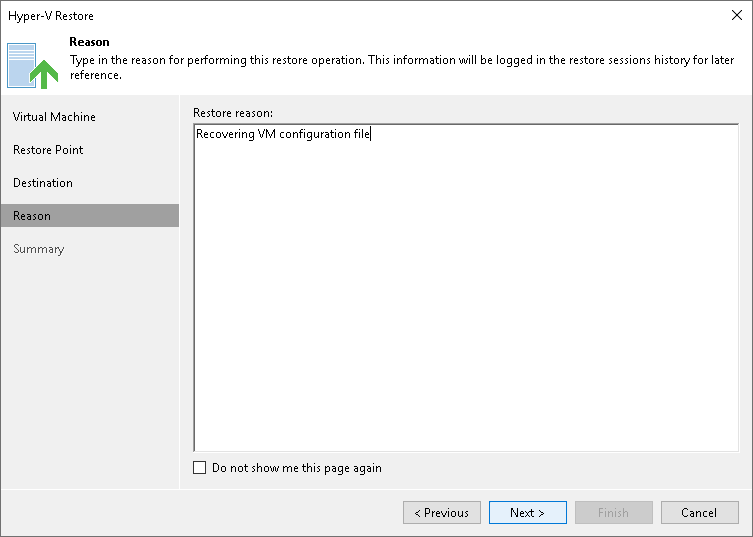
At the Restore Reason step of the wizard, enter a reason for restoring VM files. The information you provide will be saved in the session history and you can reference it later.
At the Restore Reason step of the wizard, enter a reason for restoring VM files. The information you provide will be saved in the session history and you can reference it later.