Running Permanent Failover
To permanently fail over to a VM replica, do the following:
- Open the Home view.
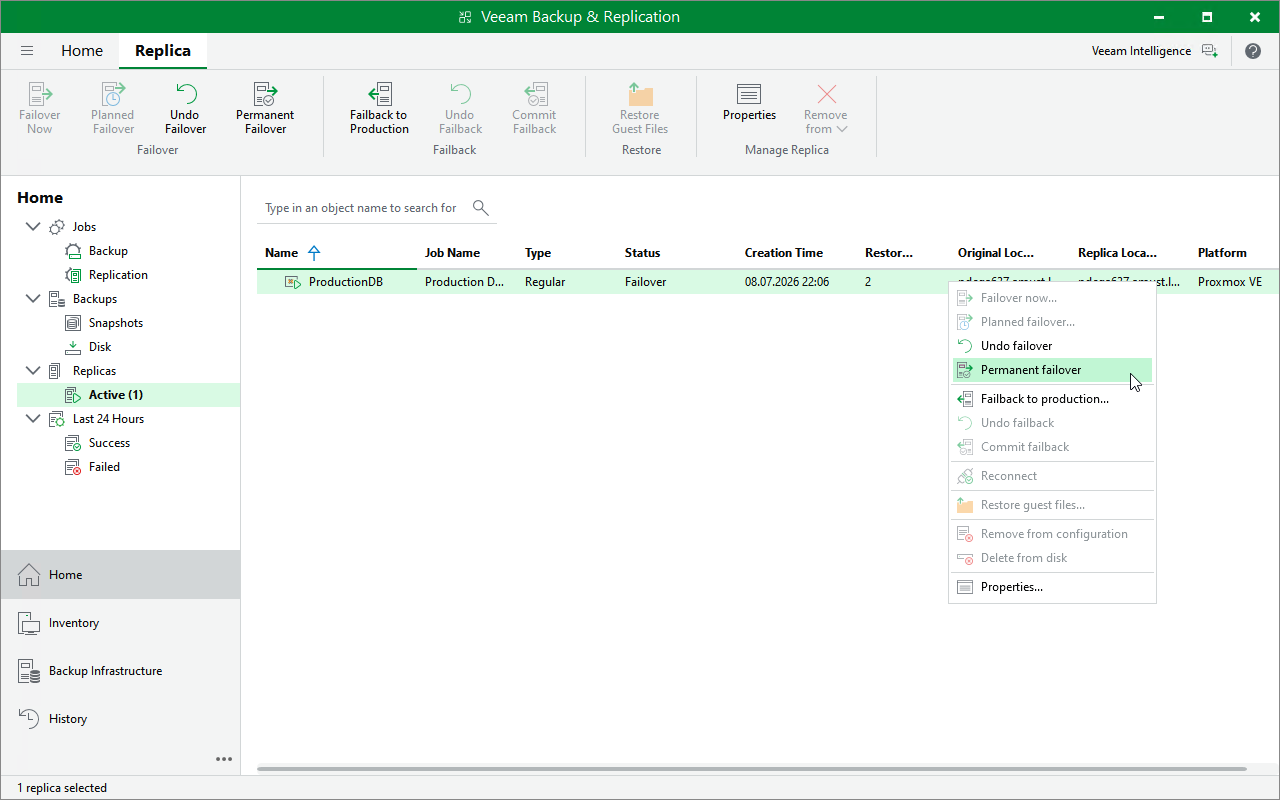
- In the inventory pane of the Home view, select Replicas > Active.
- In the working area, right-click the necessary VM replica and select Permanent failover.
Alternatively, select the necessary VM replica and click Permanent Failover on the ribbon.