Retrying Backup Policy
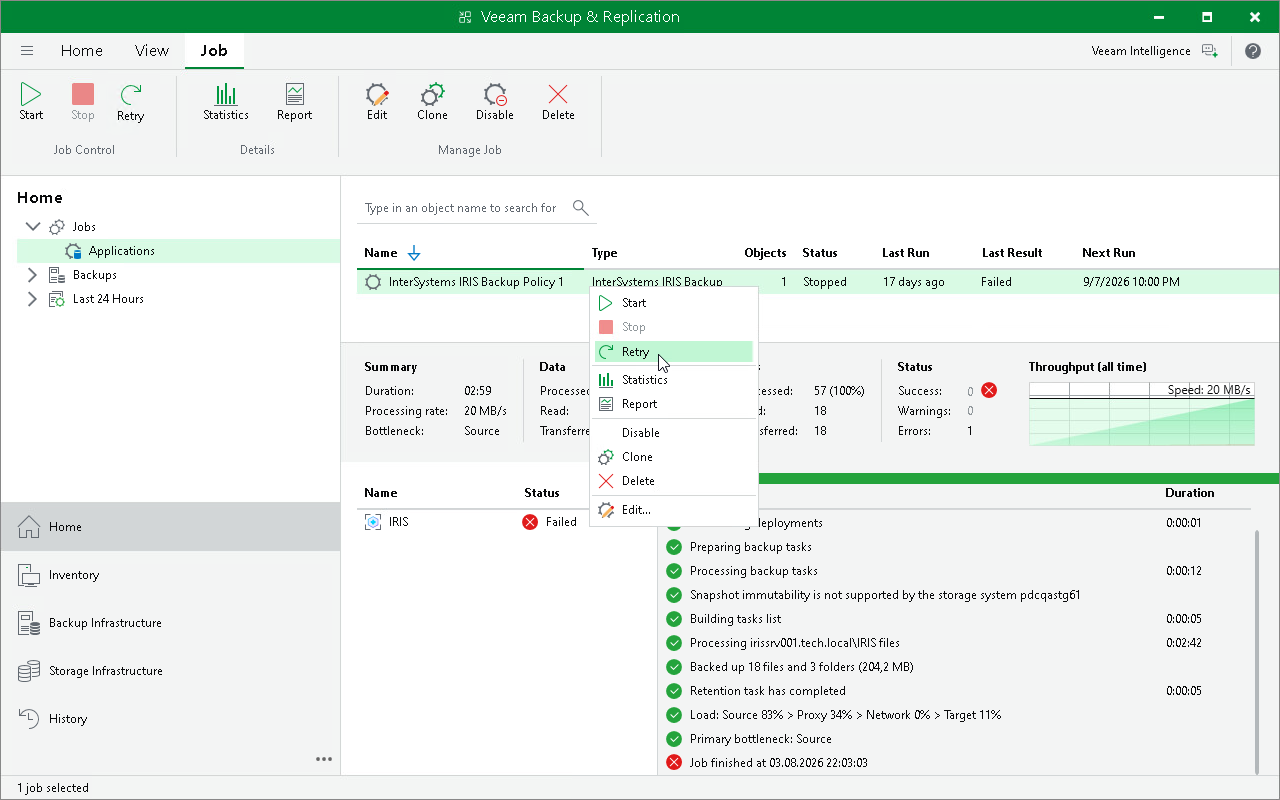
You can manually retry an application backup policy if it failed during the previous policy session. When you retry a policy, Veeam Backup & Replication processes only those instances that were not processed successfully during the previous session.
To retry a policy:
- Open the Home view.
- In the inventory pane, select Jobs.
- In the working area, select the application backup policy and click Retry on the ribbon or right-click the policy and select Retry.