Starting and Stopping Jobs
You can start a backup job manually, for example, if you want to create an additional restore point and do not want to modify the configured job schedule. You can also stop a backup job manually if processing of a VM is about to take too long, and you do not want the job to have an impact on the production environment during business hours. When you stop a running job, Veeam Backup & Replication creates a new restore point only for those VMs that have already been processed by the time you stop the job.
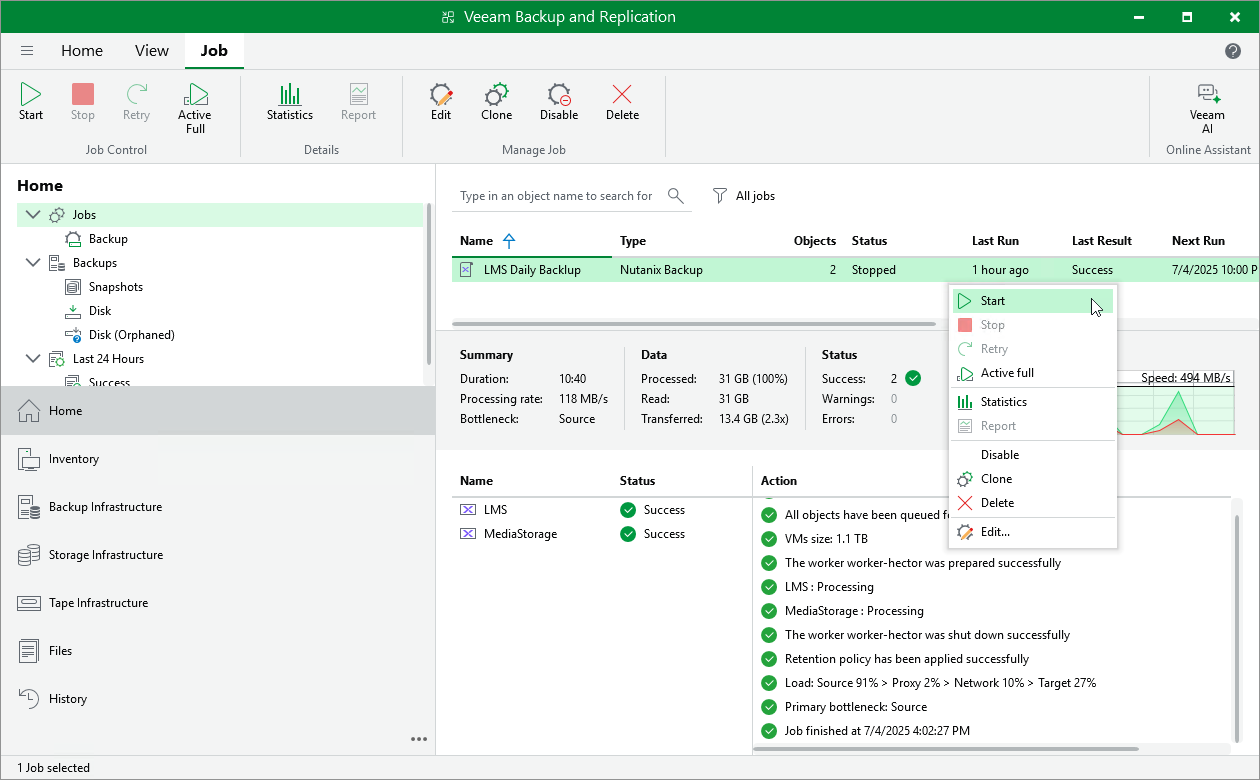
To start or stop a backup job, do the following:
- Open the Home view.
- In the inventory pane, select Jobs.
- In the working area, right-click the necessary job and select Start or Stop.
Alternatively, select the job and click Start or Stop on the ribbon.