Removing Snapshot from Disk
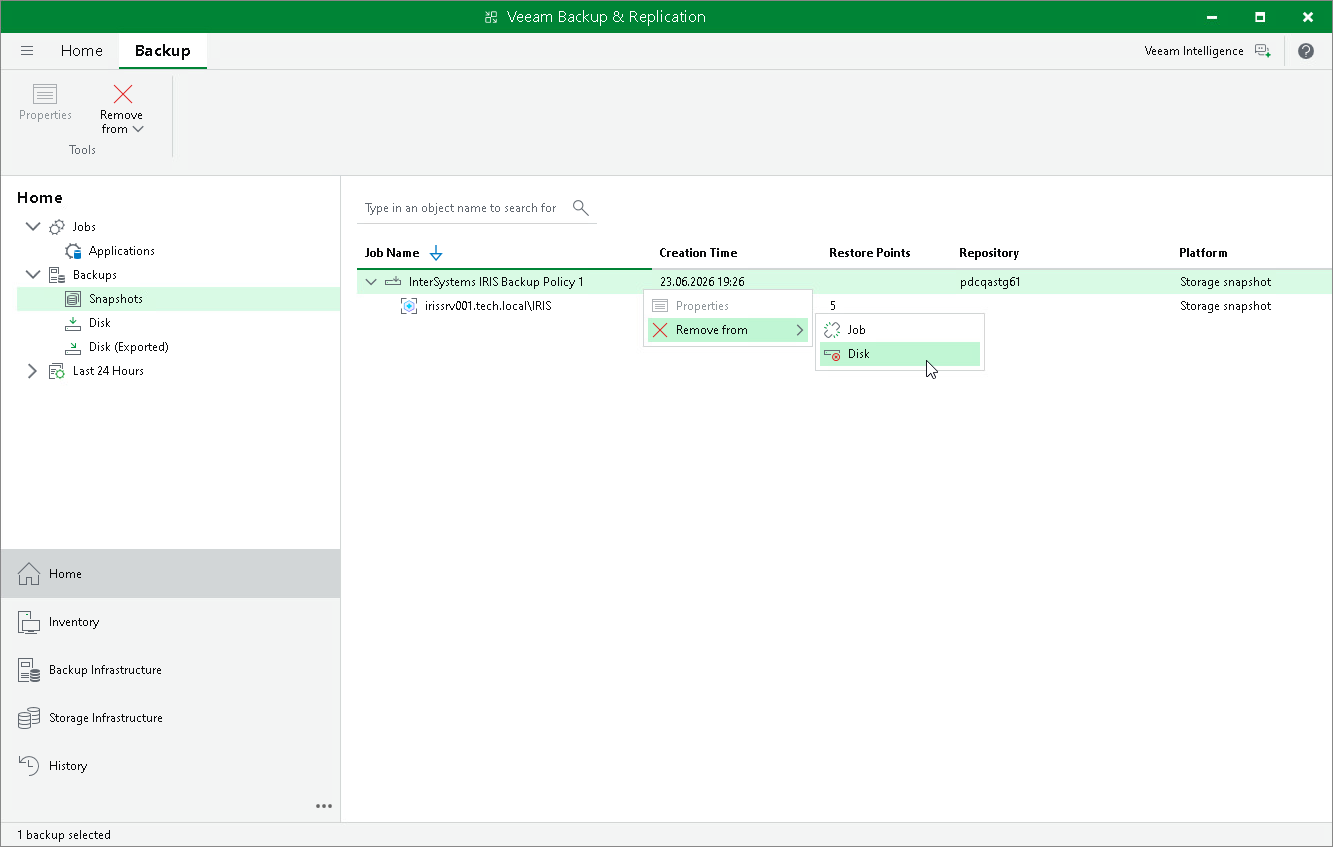
If you want to permanently delete InterSystems IRIS instance storage snapshots from the storage system, you can use the Remove from Disk operation. Veeam Backup & Replication deletes the snapshots from the storage system through the Universal Storage API. This operation cannot be undone.
To delete a snapshot from disk:
- Open the Home view.
- In the inventory pane, click Snapshots.
- In the working area, select the necessary snapshot and click Remove from > Disk on the ribbon, or right-click the snapshot and select Remove from > Disk.