Oracle Settings
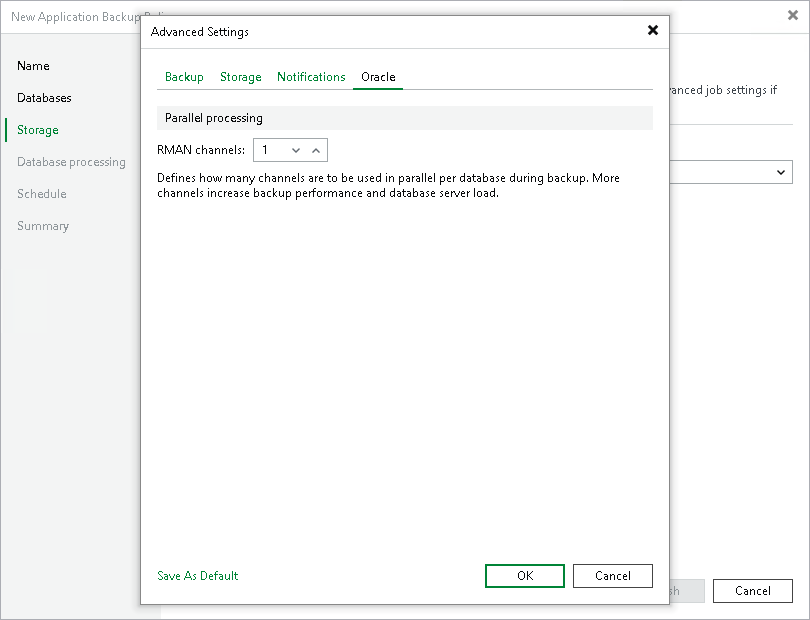
To specify Oracle settings for the backup policy:
- At the Storage step of the wizard, click Advanced.
- Click the Oracle tab.
- In the RMAN channels field, specify the number of data channels that Veeam Plug-In will use in parallel to back up databases. You can set up to 254 channels.