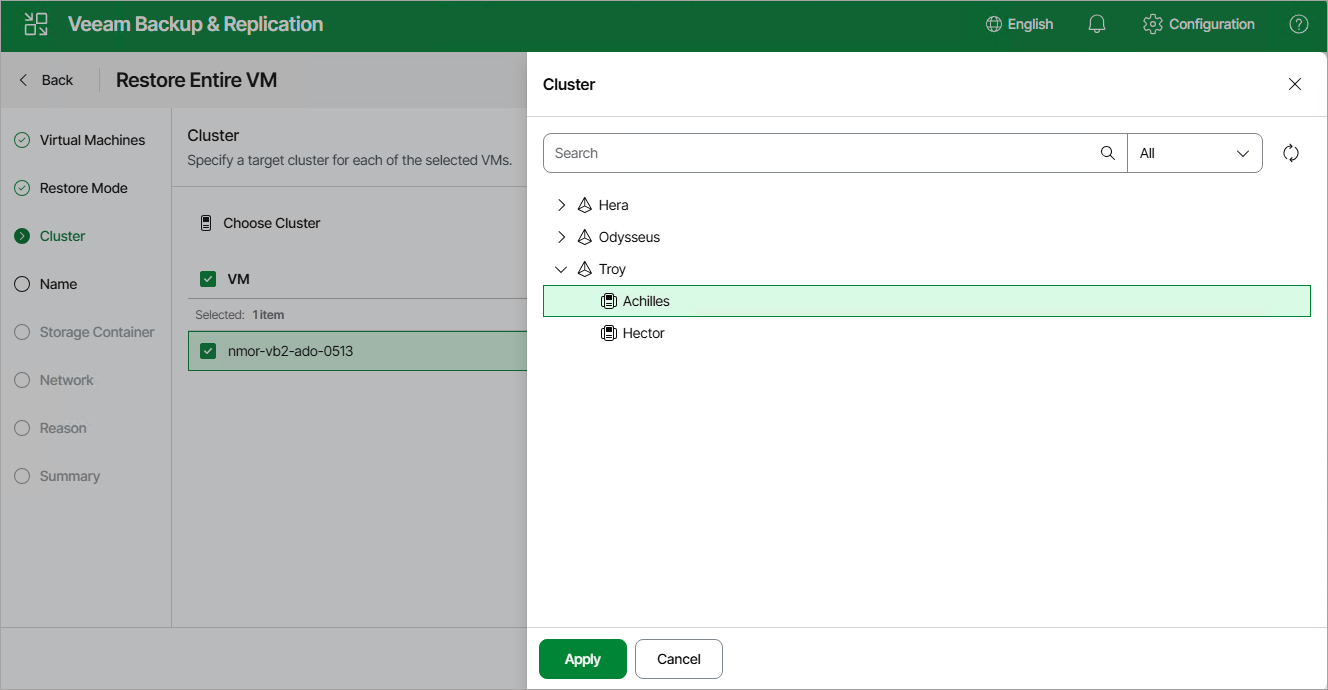
Step 4. Specify Target Cluster
[This step applies only if you have selected the Restore to new location option at the Restore Mode step of the wizard in the Prism Central deployment]
At the Cluster step of the wizard, choose the cluster or prism central to which the recovered VM will belong.
|
Note |
|
The Cluster step of the Full VM Restore wizard is only available when you restore the VM from a backup. |