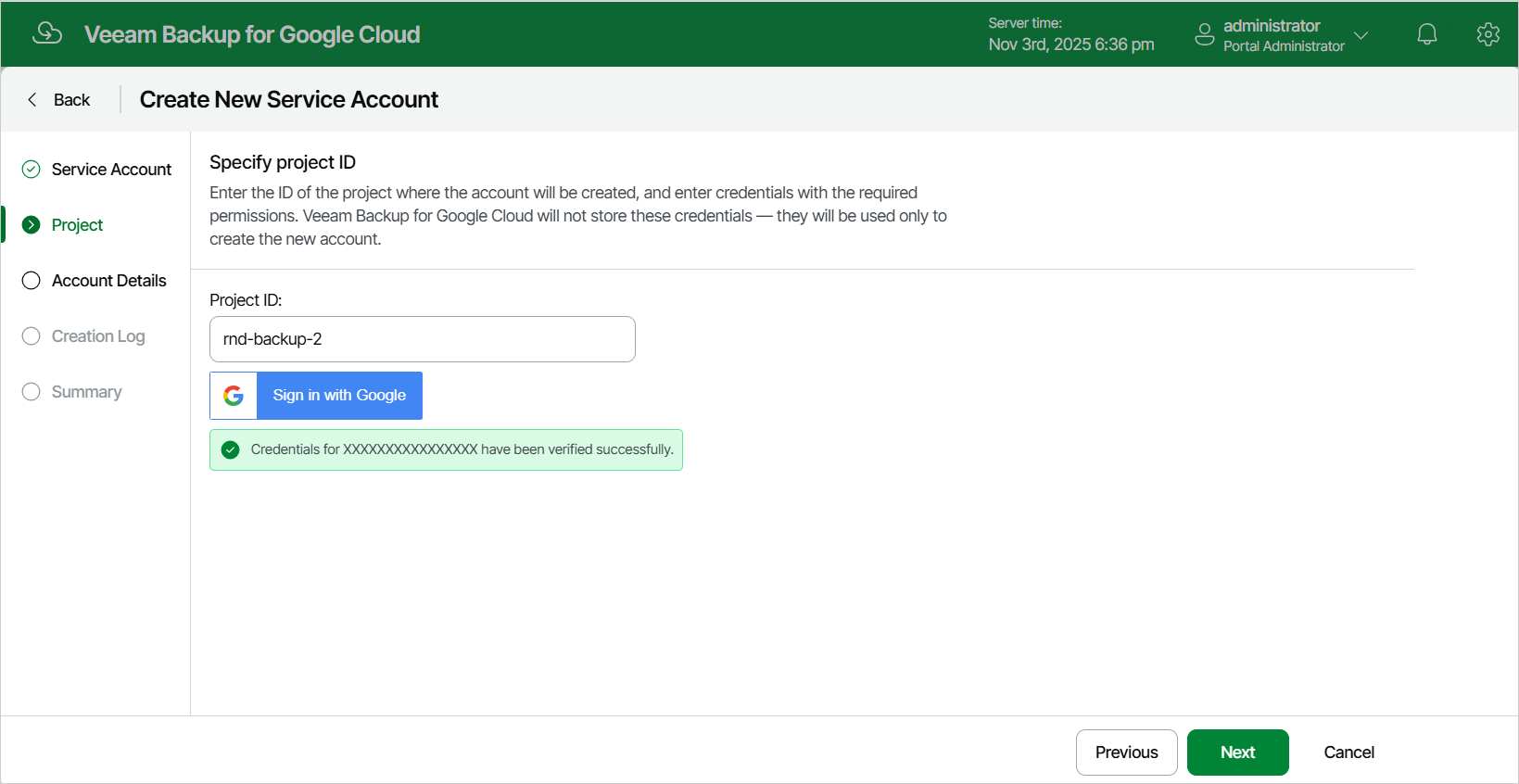
Step 3. Specify Project
[This step applies only if you have selected the Create new account option at the Service Account step of the wizard]
At the Project step of the wizard, specify the ID of a project in which the new service account will be created. You can find the project ID on the Dashboard page in the Google Cloud console. For more information, see Google Cloud documentation.
|
Tip |
|
If you want the backup appliance to automatically create a service account in the specified project, click Sign in with Google and specify credentials of a Google account that has permissions required to create service accounts. For the backup appliance to be able to authorize in Google Cloud, the OAuth consent screen must be configured as described in section Registering Applications. Note that the backup appliance does not store in the configuration database the Google account credentials provided or access tokens received during authorization. |