Finalizing Failback
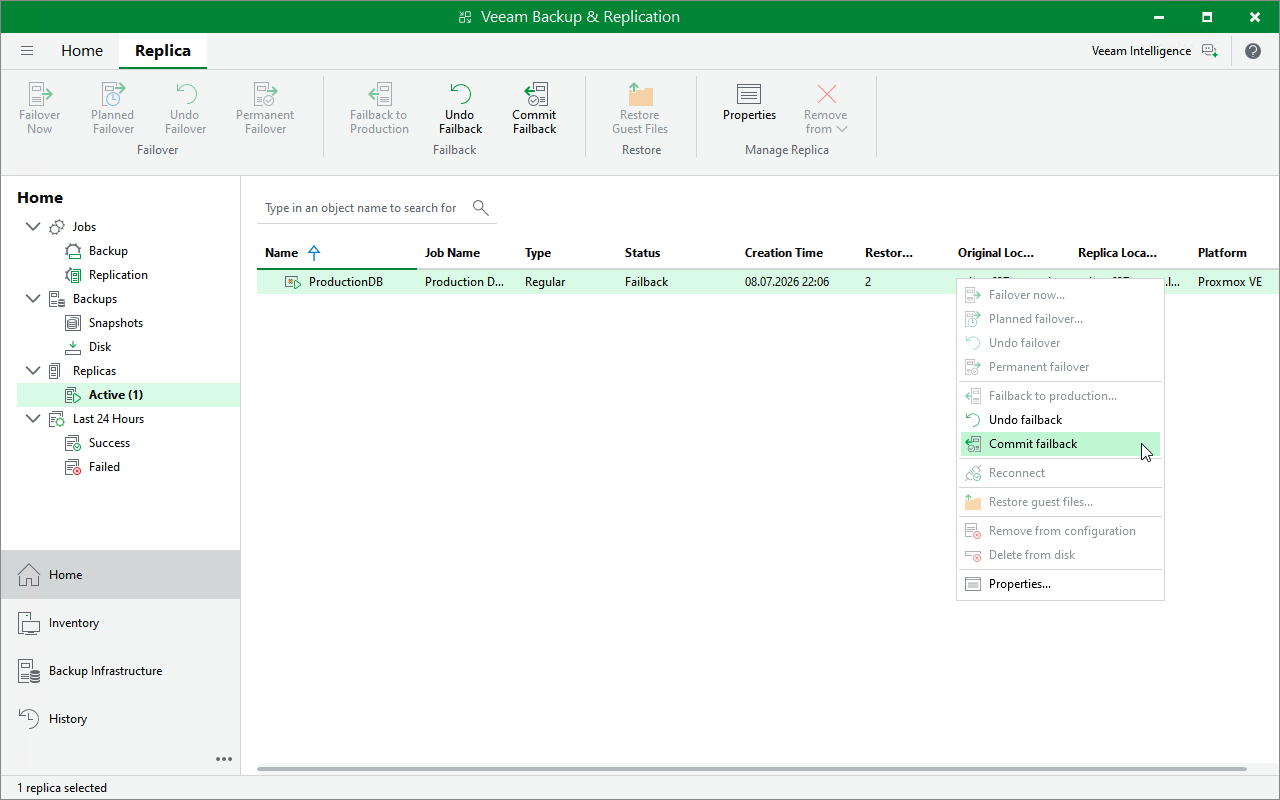
To finalize a failback operation, do the following:
- In the Veeam Backup & Replication console, open the Home view.
- In the inventory pane, navigate to the Replicas > Active node.
- In the working area, right-click the necessary VM replica and select Commit failback or Undo failback.
When you commit the failback, you confirm that the VM to which you failed back (the production VM) works as expected. If you undo the failback, Veeam Backup & Replication will power on the VM replica running on the target host and switch from the production VM back to the VM replica.