Restoring Latest State
To restore the latest state of a PostgreSQL database, do the following:
- In the navigation pane, select a PostgreSQL database you want to restore.
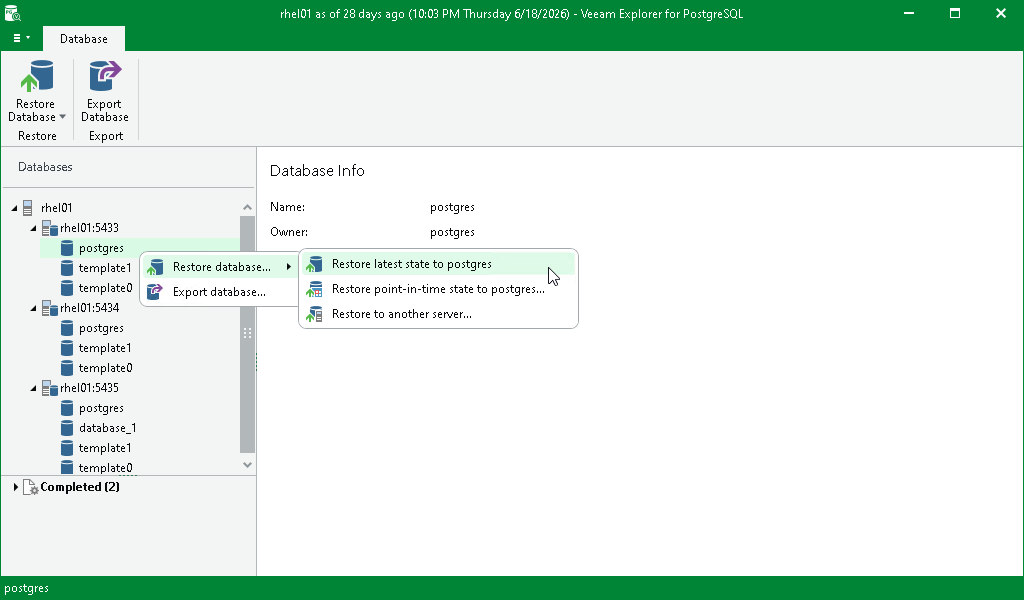
- On the Database tab, select Restore Database > Restore latest state to <original_location>.
Alternatively, you can right-click a database and select Restore Database > Restore latest state to <original_location>.
|
Note |
|
The name of the restore option depends on the restore point you select during the application item restore process in the Veeam Backup & Replication console.
|
Note that if a database with the same name exists on the server, you will be prompted to overwrite it.