Deploying Plug-In on Linux-Based Backup Server
To install Veeam Plug-In for Google Cloud on a backup server that runs on a Linux-based machine, do the following:
- Download the product installation file for Linux-based backup servers from the Veeam download page.
- Log in to the Host Management web console as described in section Accessing Host Management Console.
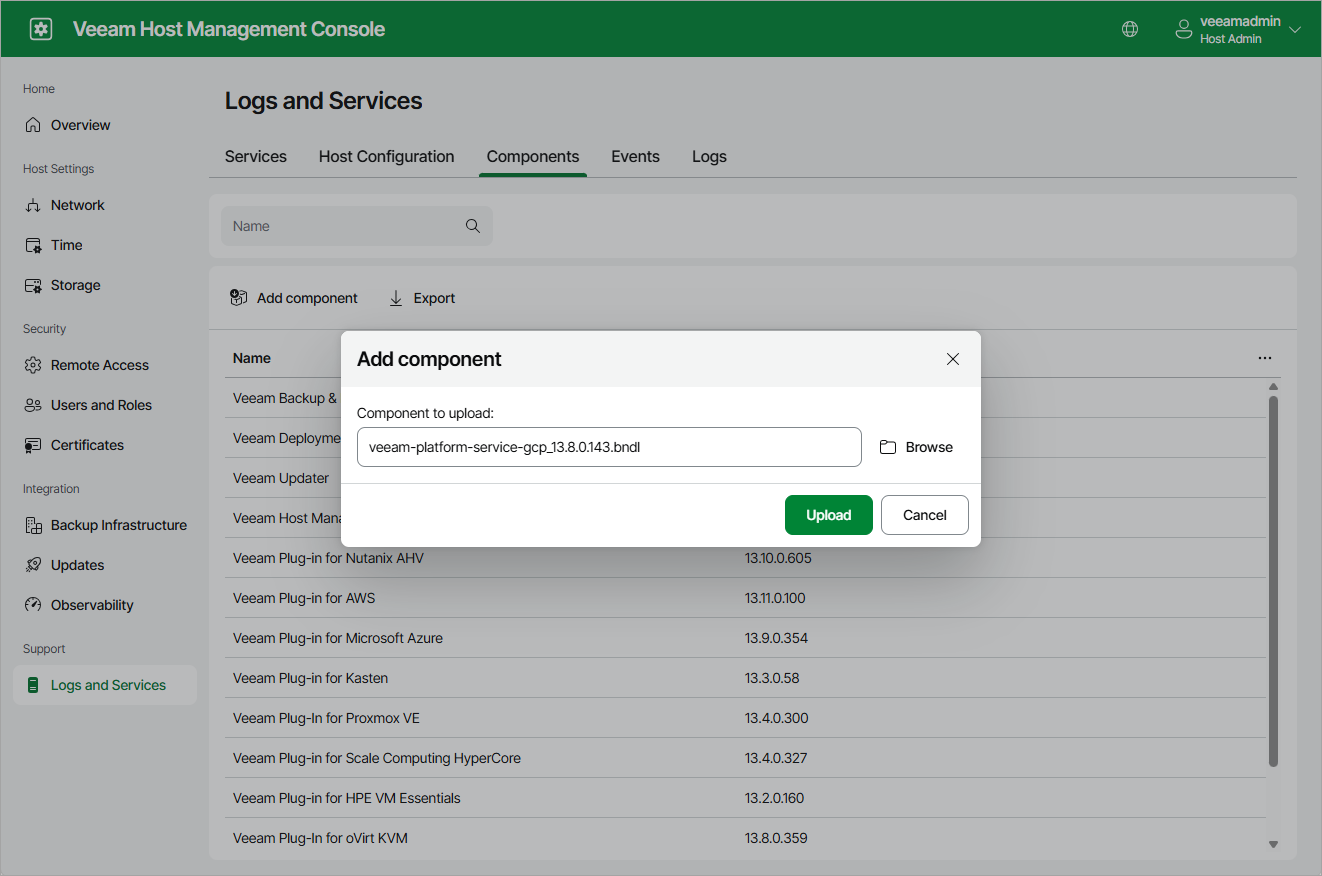
- In the web console, navigate to Logs and Services > Components and click Add Component. Then, upload the installation file:
- Click Browse, select the necessary file and then click Upload.
- After the file is uploaded, read the Veeam license agreement, licensing policy, the 3rd party components and required software license agreements. Then, click Install Now to acknowledge the agreements and begin installation.