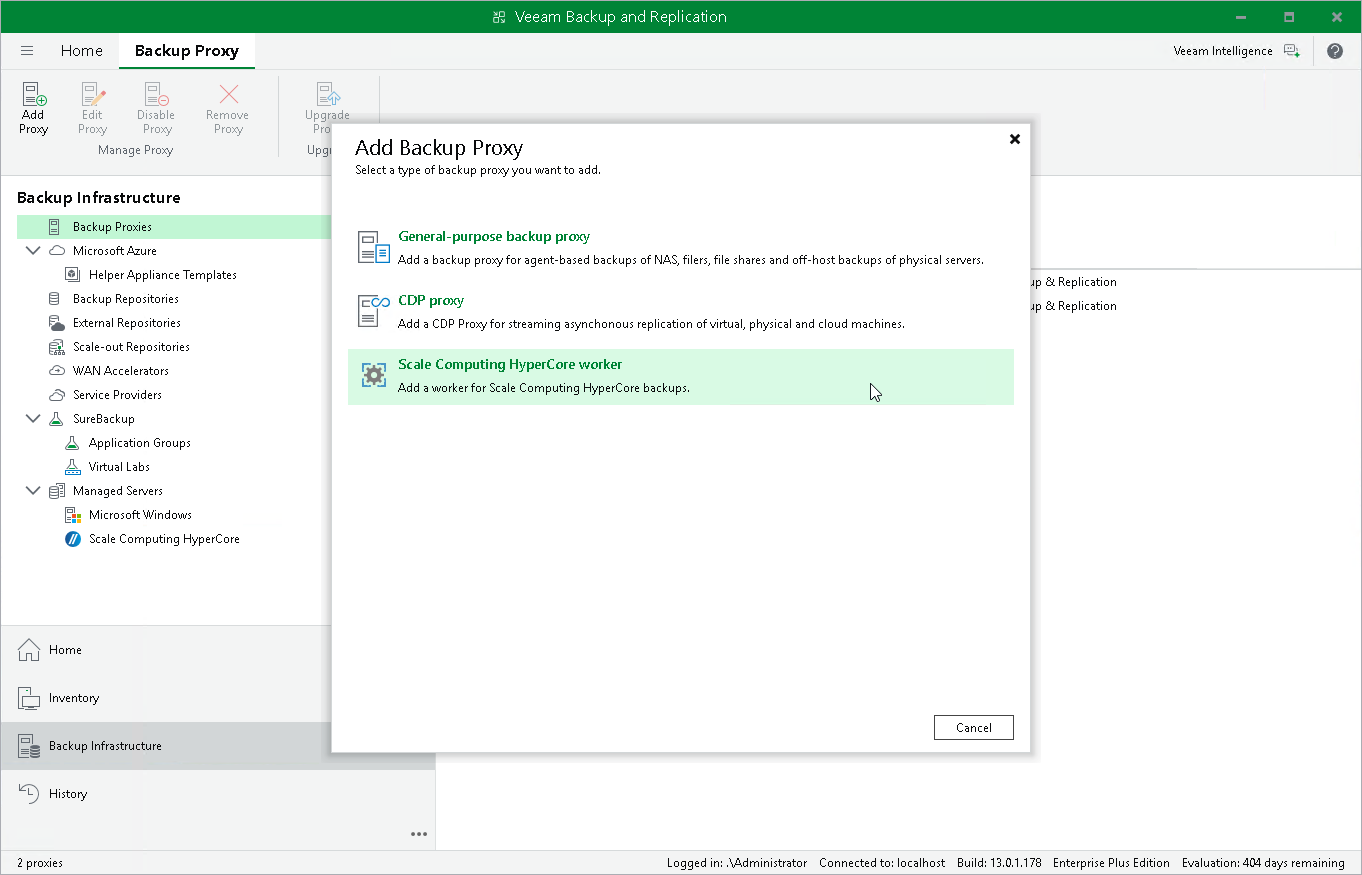
Step 1. Launch New Scale Computing HyperCore Worker
To launch the New Scale Computing HyperCore Worker wizard, do the following:
- In the Veeam Backup & Replication console, open the Backup Infrastructure view.
- In the inventory pane, select Backup Proxies .
- On the ribbon, select Add Proxy .
- Click Scale Computing HyperCore worker .