Unpublishing Databases
After you finish working with published SQL databases, you can unpublish (detach) these databases from the target SQL server.
This will dismount the mount points from under the C:\VeeamFLR directory.
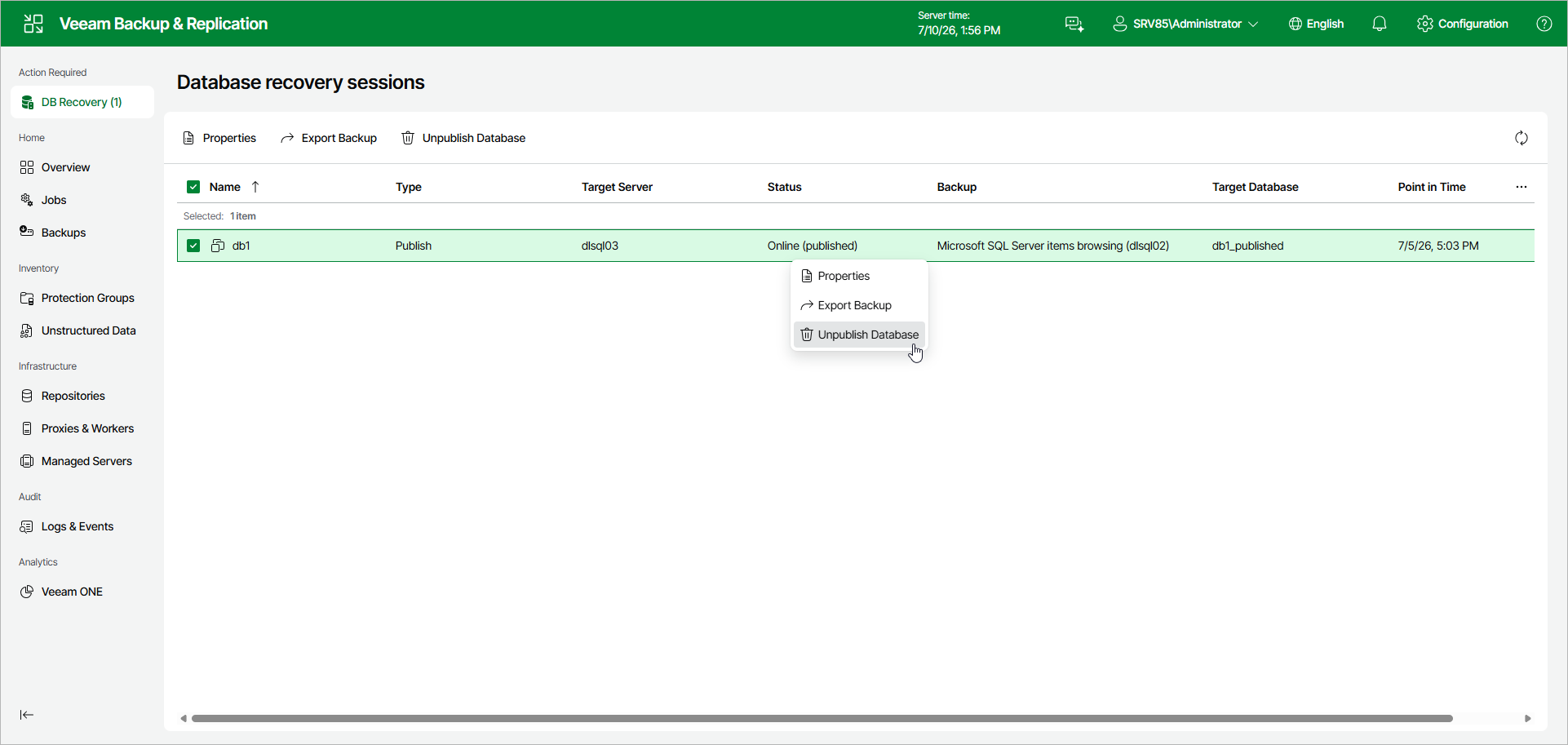
To unpublish one or multiple databases, do the following:
- In the Database recovery sessions view, select a publishing session.
- Click Unpublish Database.
Alternatively, right-click a publishing session and select Unpublish Database.