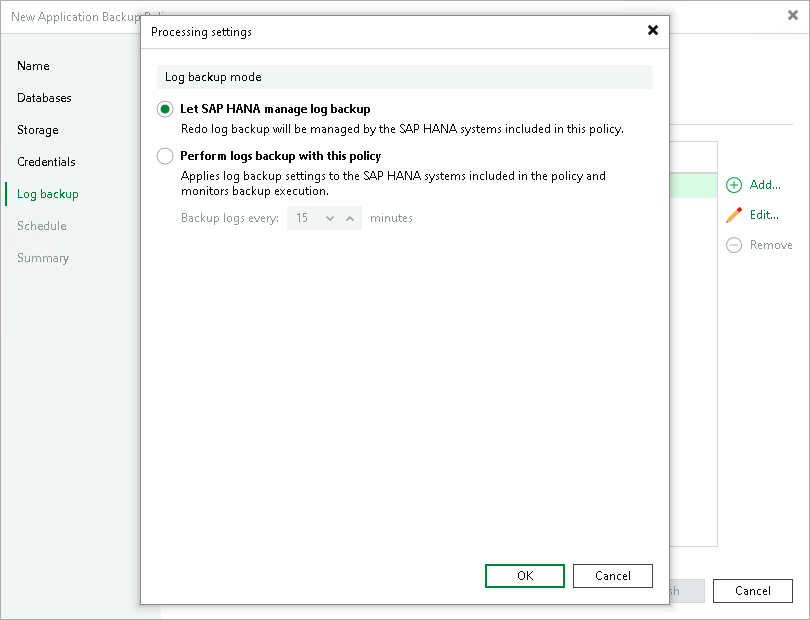
Processing Settings
To specify processing settings for the object:
- At the Log Backup step of the wizard, select the object and click Edit.
- In the Processing tab, select the way you want to back up logs:
- Select Let SAP HANA manage log backup if you want to back up logs with SAP HANA tools.
In this case, Veeam Plug-In will back up logs with the parameters that you specify with SAP HANA tools, including the log backup interval. If you turn off log backup in SAP HANA, Veeam Plug-In will not back up logs either.
- Select Perform log backup with this policy if you want to back up logs with Veeam Plug-In.
In the Backup logs every <N> minutes field, specify the frequency for logs backup. By default, redo logs are backed up every 15 minutes. The minimum log backup interval is 5 minutes. The maximum log backup interval is 480 minutes.