Step 6. Configure Replication Settings
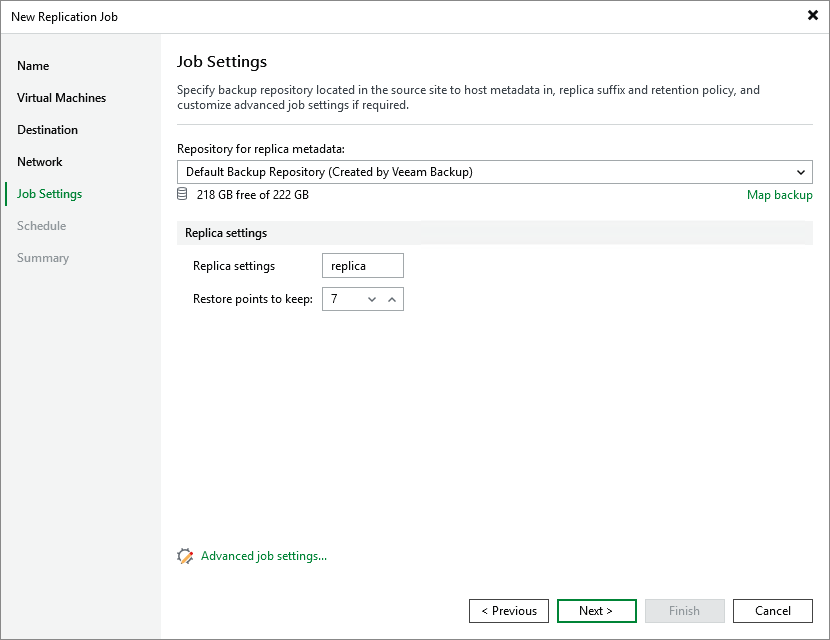
At the Job Settings step of the wizard, do the following:
- In the Backup repository drop-down list, select a backup repository where you want to store replica metadata.
For a backup repository to be displayed in the list of available repositories, it must be added to the backup infrastructure.
- In the Replica settings section, specify a suffix that will be added to the original VM names and choose how long Veeam Backup & Replication will keep restore points in a replica chain. If a restore point is older than the specified limit, Veeam Backup & Replication will remove it from the chain. For more information on how Veeam Backup & Replication tracks and removes redundant restore points, see Retention Policies.
To help you implement a comprehensive replication strategy, Veeam Backup & Replication allows you to configure advanced job settings (such as storage optimization and notification settings).