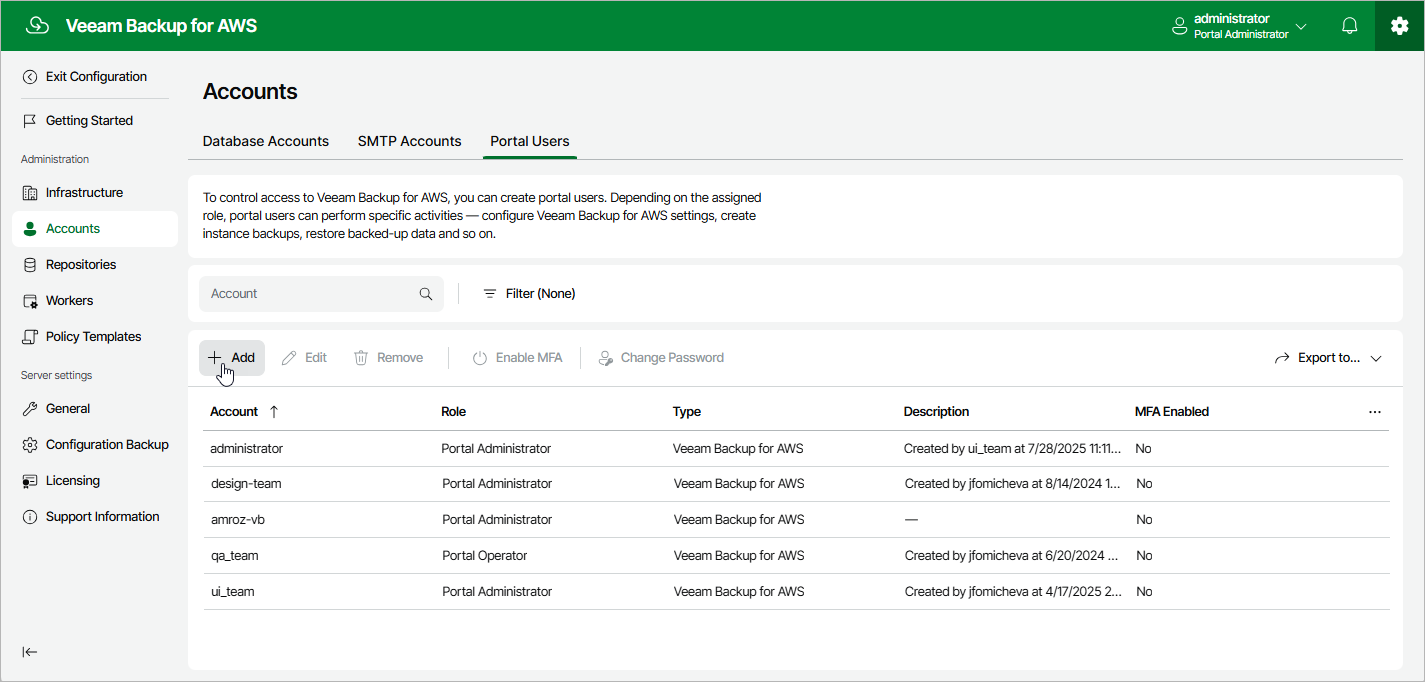
Step 1. Launch Add Account Wizard To launch the Add Portal Account wizard, do the following: Switch to the Configuration page. Navigate to Accounts > Portal Users . Click Add .