Maintenance
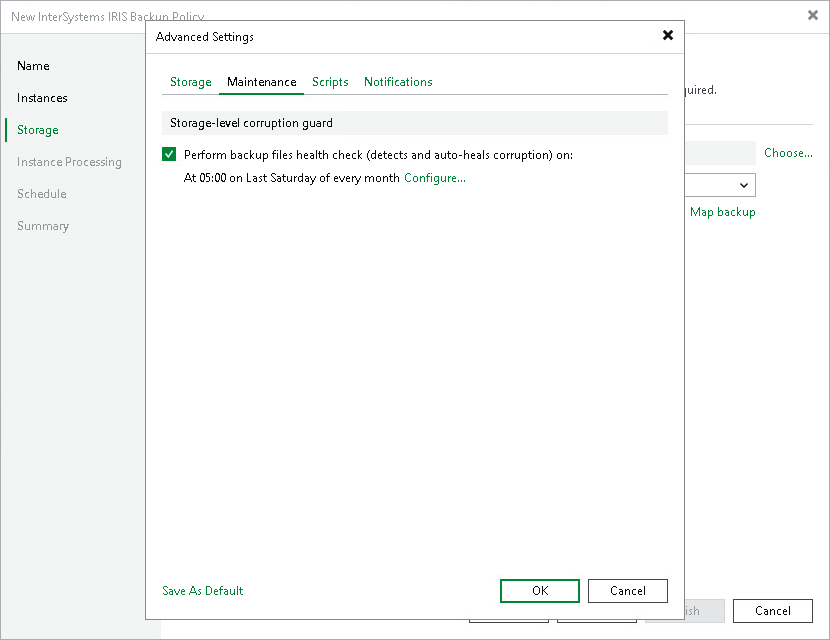
To specify the application backup maintenance settings:
- In the Advanced Settings window, click the Maintenance tab.
- To periodically perform a health check for the latest restore point in the backup chain, in the policy advanced settings, select the Perform backup files health check check box and click Configure to specify the time schedule for the health check.
During the health check, Veeam Backup & Replication performs a CRC check for metadata and a hash check for data blocks in backup files to verify their integrity. The health check confirms that the restore point is consistent and that data can be restored from it. If the health check detects inconsistencies in the backup files, you can run the repair procedure to fix them. For details, see Performing Health Check and Repair for Unstructured Data Backups.