Encryption Detection
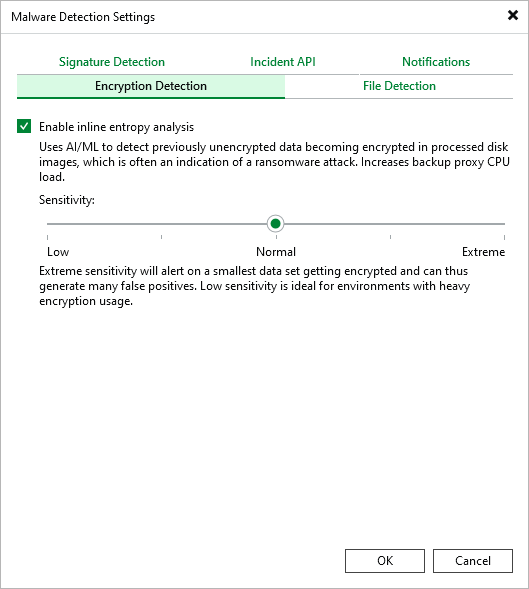
In the Encryption Detection tab, you can enable the inline scan. In the Veeam Backup & Replication web UI, the same setting is available under Inline entropy analysis. For more information about the inline scan, see Inline Scan.
To enable the inline scan, do the following:
- From the main menu, select Malware Detection.
- In the Encryption Detection tab, select the Enable inline entropy analysis check box.
- Specify the scan sensitivity. The default value is Normal.