Editing Workers
For each worker, you can modify settings specified while adding the worker to the backup infrastructure:
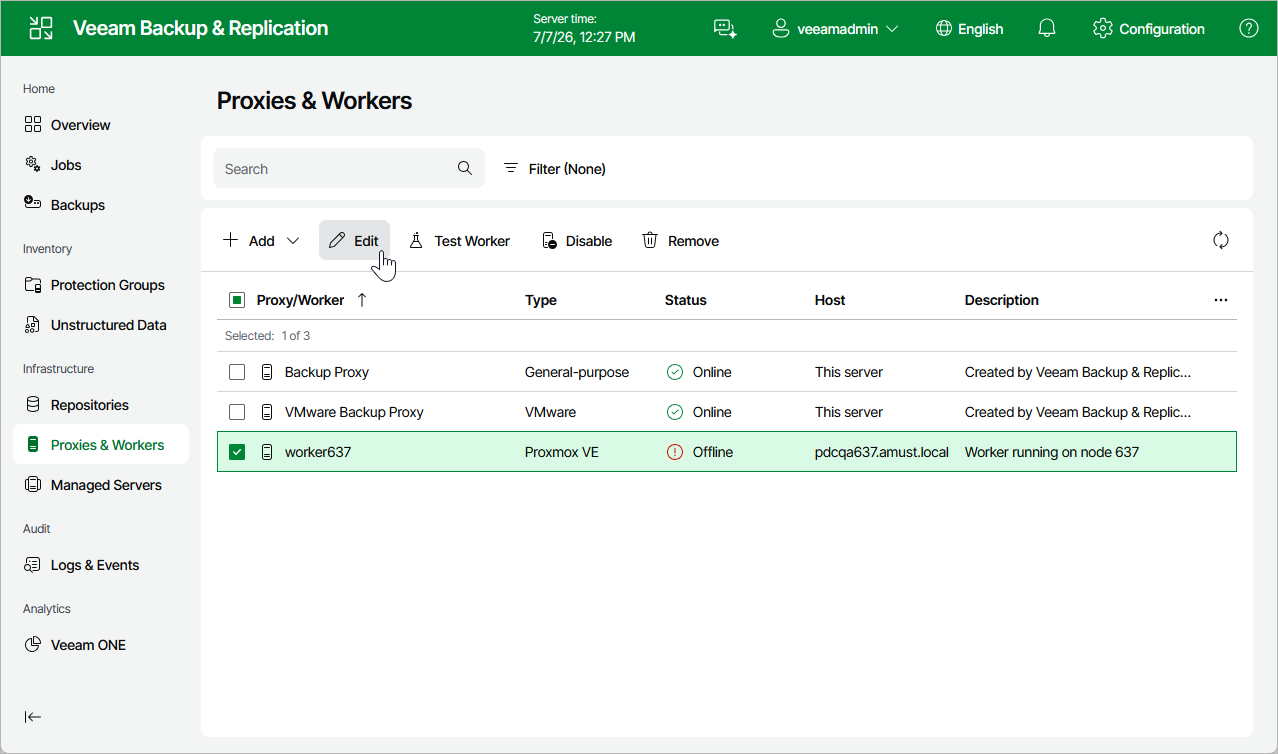
- Navigate to Proxies & Workers.
- Select the worker and click Edit.
- Complete the Edit Worker wizard:
- To provide a new name and description for the worker, follow the instructions provided in section Adding Workers (step 2).
- To change the host where the worker is launched, the storage used, or to modify the number of tasks that the worker is able to handle in parallel, follow the instructions provided in section Adding Workers (step 3).
- To change the network to which the worker is connected or to specify a new IP address for the worker, follow the instructions provided in section Adding Workers (step 4).
- To save changes made to the worker settings, click Finish.