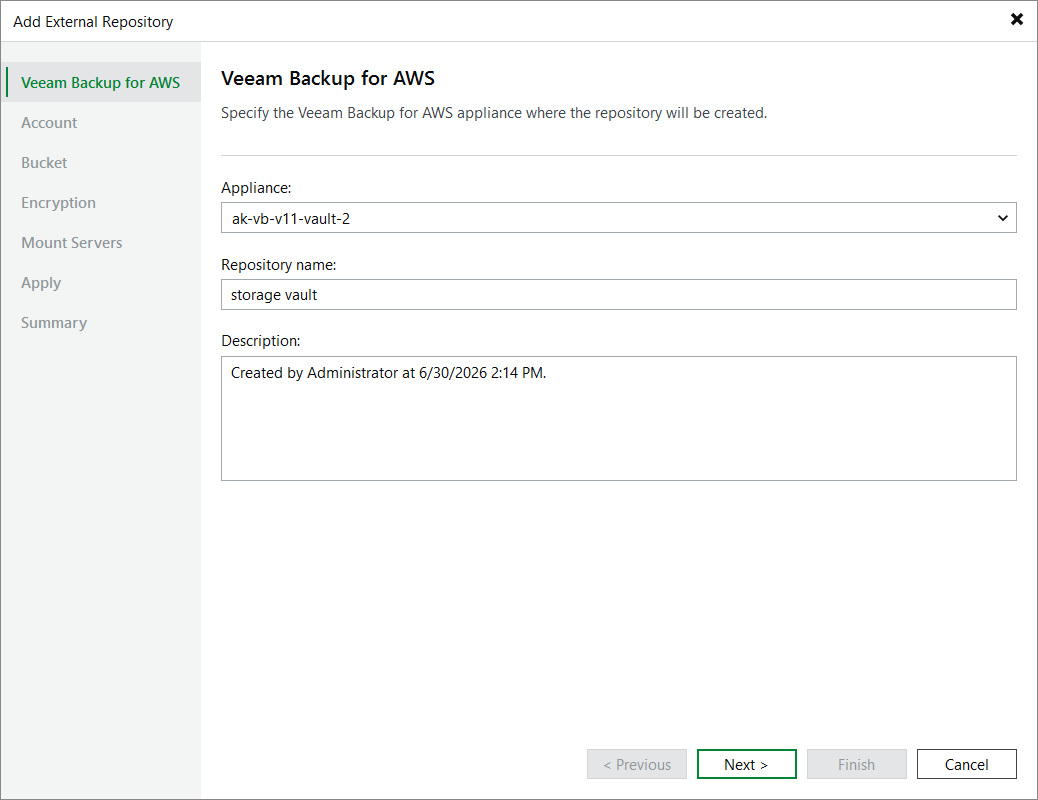
Step 2. Specify Repository Details
At the Veeam Backup for AWS step of the wizard, select a backup appliance that will manage the storage vault. For an appliance to be displayed in the Appliance drop-down list, it must be added to the backup infrastructure as described in section Deploying Backup Appliance or Connecting to Existing Appliances.
Then, enter a name for the new storage vault and provide a description for future reference. The maximum length of the name is 125 characters; the following characters are not supported: \ / " ' [ ] : | < > + = ; , ? * @ & _ .
|
Important |
|
Since Veeam Plug-in for AWS does not support adding storage vaults located in AWS China Regions or AWS GovCloud (US) Regions, Veeam Backup & Replication displays the list of appliances located in AWS Global Regions only. |