Accessing Sangfor aSV Server Console
If you want to check the configuration of your Sangfor aSV infrastructure, you can use Veeam Backup & Replication to launch the Sangfor Cloud Platform console.
To access the Sangfor Cloud Platform console:
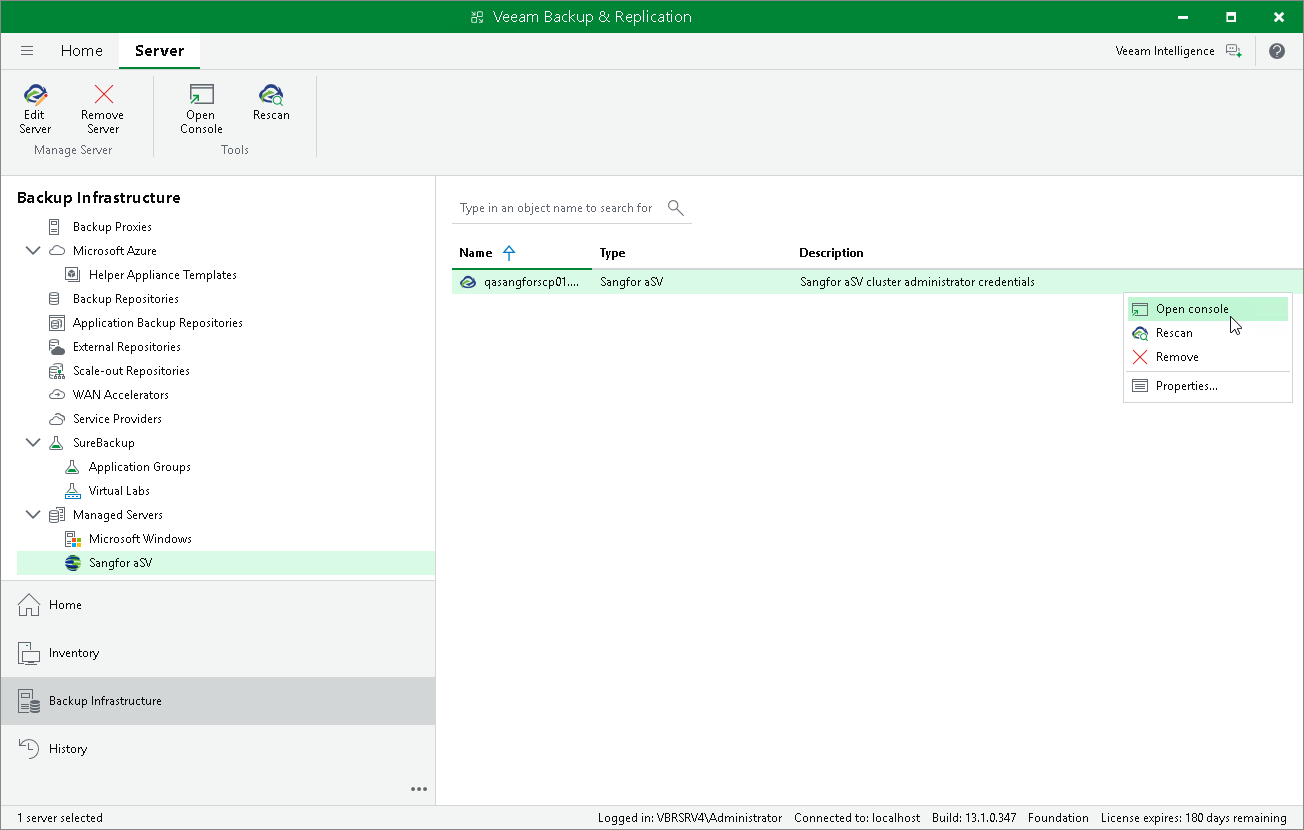
- Open the Backup Infrastructure view.
- In the inventory pane, select Managed Servers > Sangfor aSV.
- In the working area, select the Sangfor Cloud Platform and click Open Console on the ribbon, or right-click the Sangfor Cloud Platform and select Open Console.