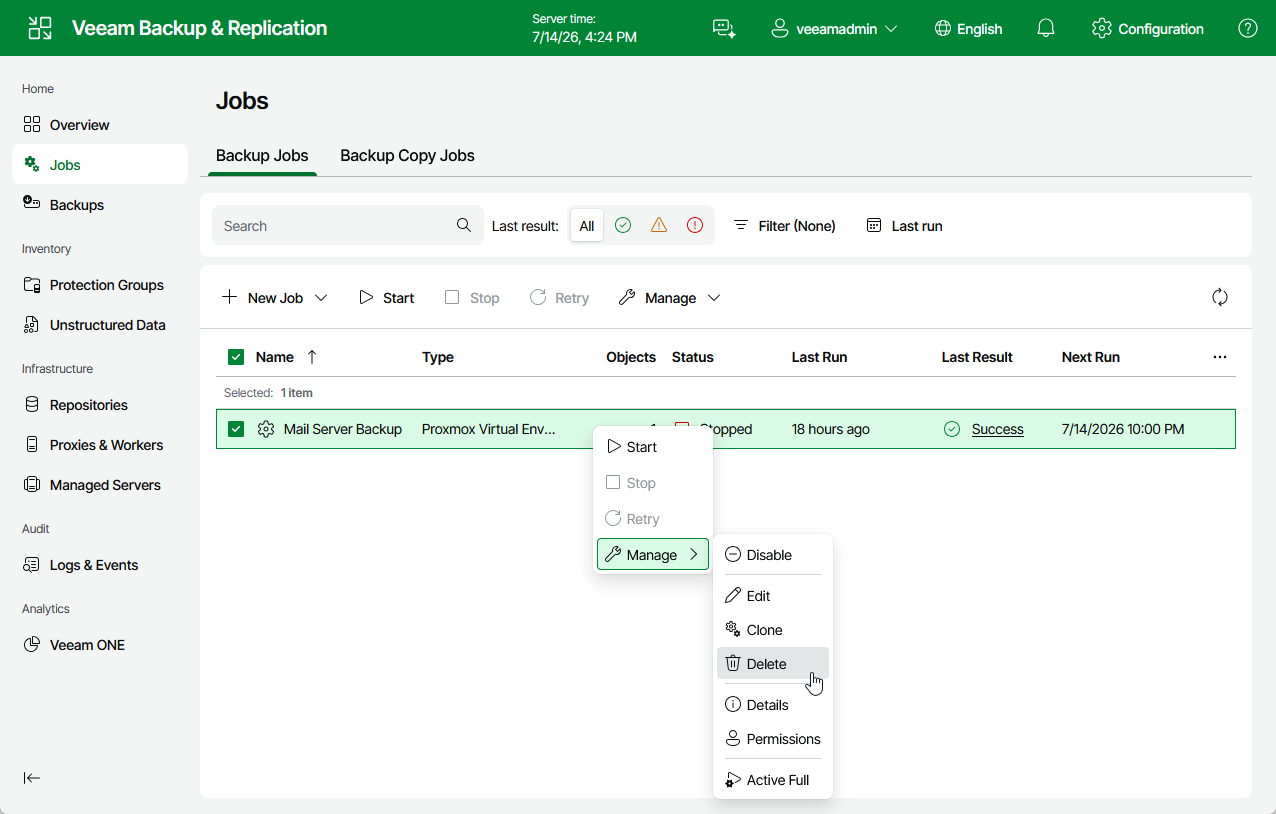
Deleting Jobs
You can permanently delete a job from the Veeam Backup & Replication configuration database if you no longer need it. When you delete a job, backups created by this job are displayed under the Backups > Disk (Orphaned) node in the Home view of the Veeam Backup & Replication console. If you want to delete backup files as well, follow the instructions provided in section Deleting Backups.
To delete a job, do the following:
- Navigate to Jobs.
- Select the necessary job.
- Click Manage > Delete.