Step 2. Specify Forest and Point in Time
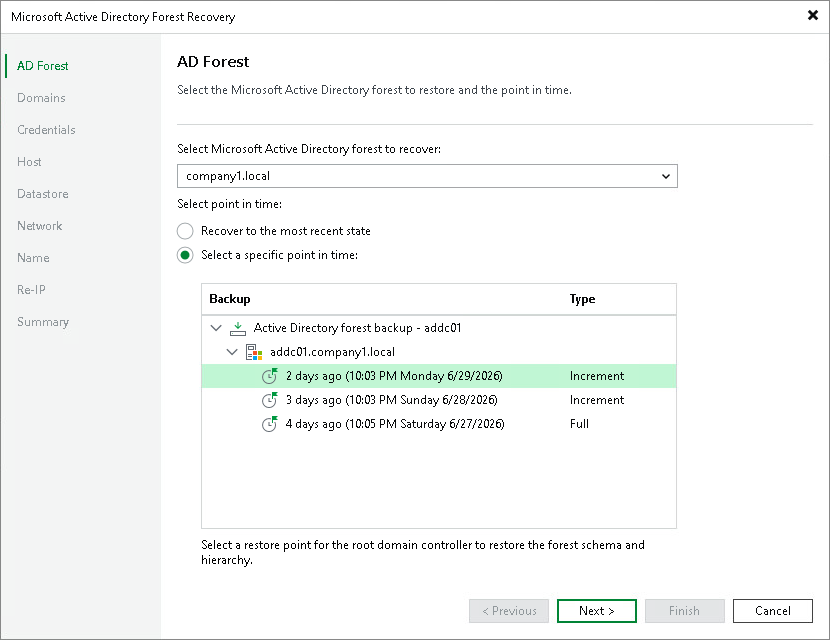
At the AD Forest step of the wizard, select the Active Directory forest you want to restore and specify the restore point:
- From the drop-down menu under Select Microsoft Active Directory forest to recover, select the Active Directory forest you want to restore. The drop-down menu contains the forest root domains of all available Active Directory forests in your infrastructure, across various job and backup types.
- Under Select point in time, select a point in time for the root domain controller, which defines the schema and hierarchy of the forest.
Select either of the following options:
- Recover to the most recent state — restores the forest to the latest available restore point.
- Select a specific point in time — restores the forest to any other restore point. Expand the backup and domain controller nodes and select a restore point from the list.
Note |
A Windows mount server must be available for the repository that stores the backups. Before you start the recovery, configure a Windows mount server for the repository or set a default Windows mount server. |