Cloning Backup Policy
You can clone an application backup policy. For example, you may want to configure a policy to use as a template and then create multiple policies with similar settings.
To clone a backup policy:
- Open the Home view.
- In the inventory pane, select Jobs.
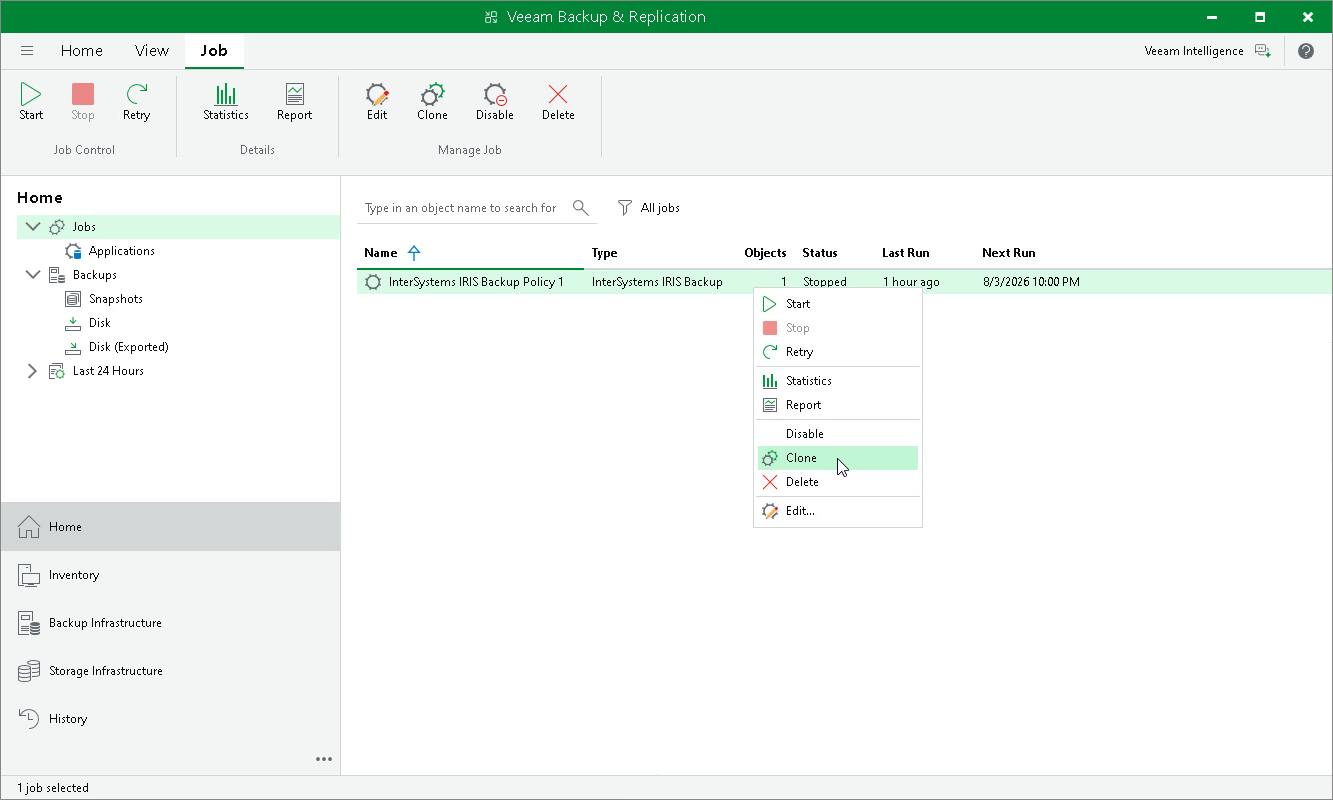
- In the working area, select the backup policy and click Clone on the ribbon or right-click the policy and select Clone.
- After the policy is cloned, you can edit all its settings, including the policy name.