Downloading Files
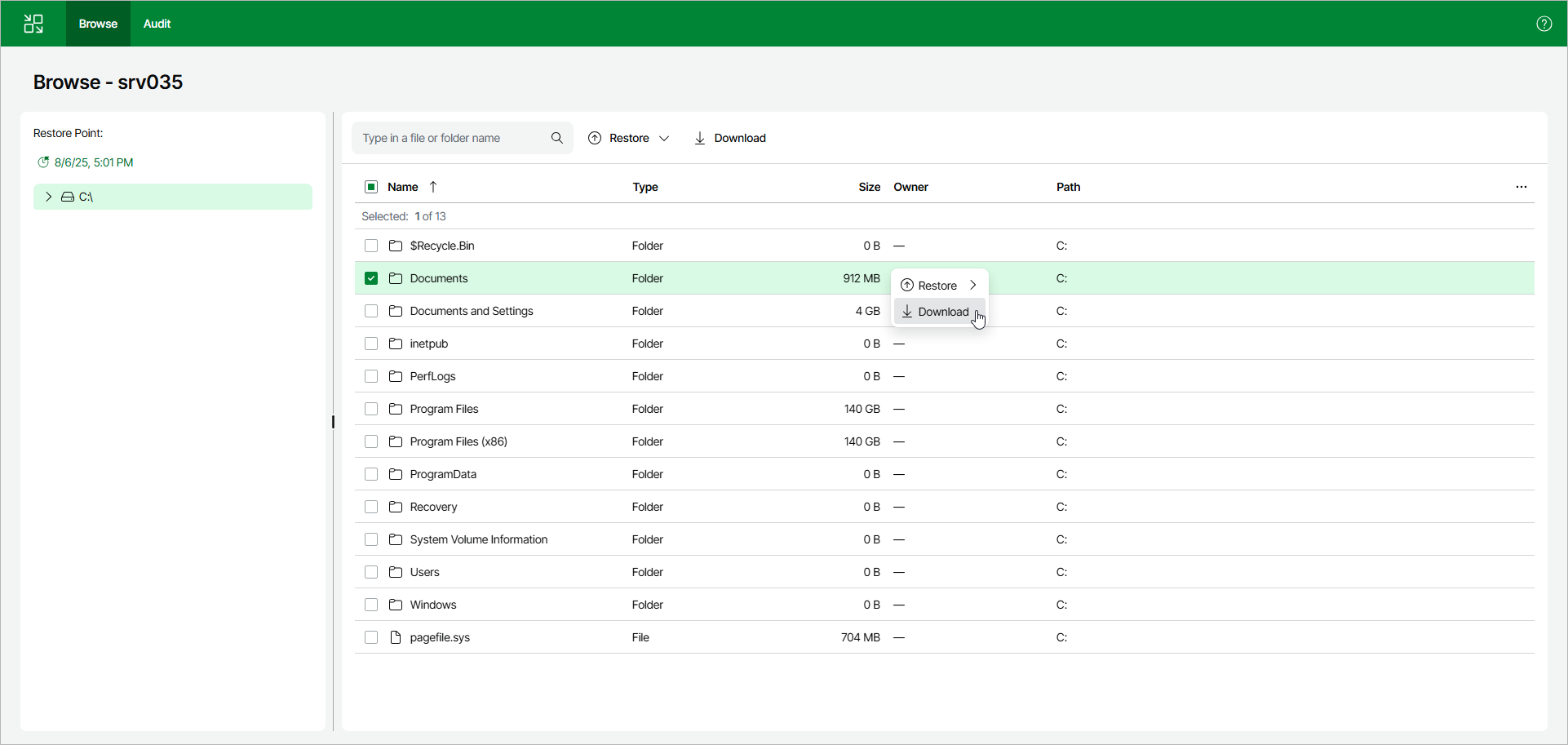
To download files and folders to a machine where the Veeam Backup & Replication web UI is opened, select files and folders in the working area. Right-click one of the selected items and click Download. Veeam Backup & Replication will start downloading a .ZIP file.