Editing Backup Policy Settings
You can edit the settings of an application backup policy at any time. For example, you may want to change the backup scope or the scheduling settings. You cannot change the target location of an existing policy.
To edit backup policy settings:
- Open the Home view.
- In the inventory pane, select Jobs.
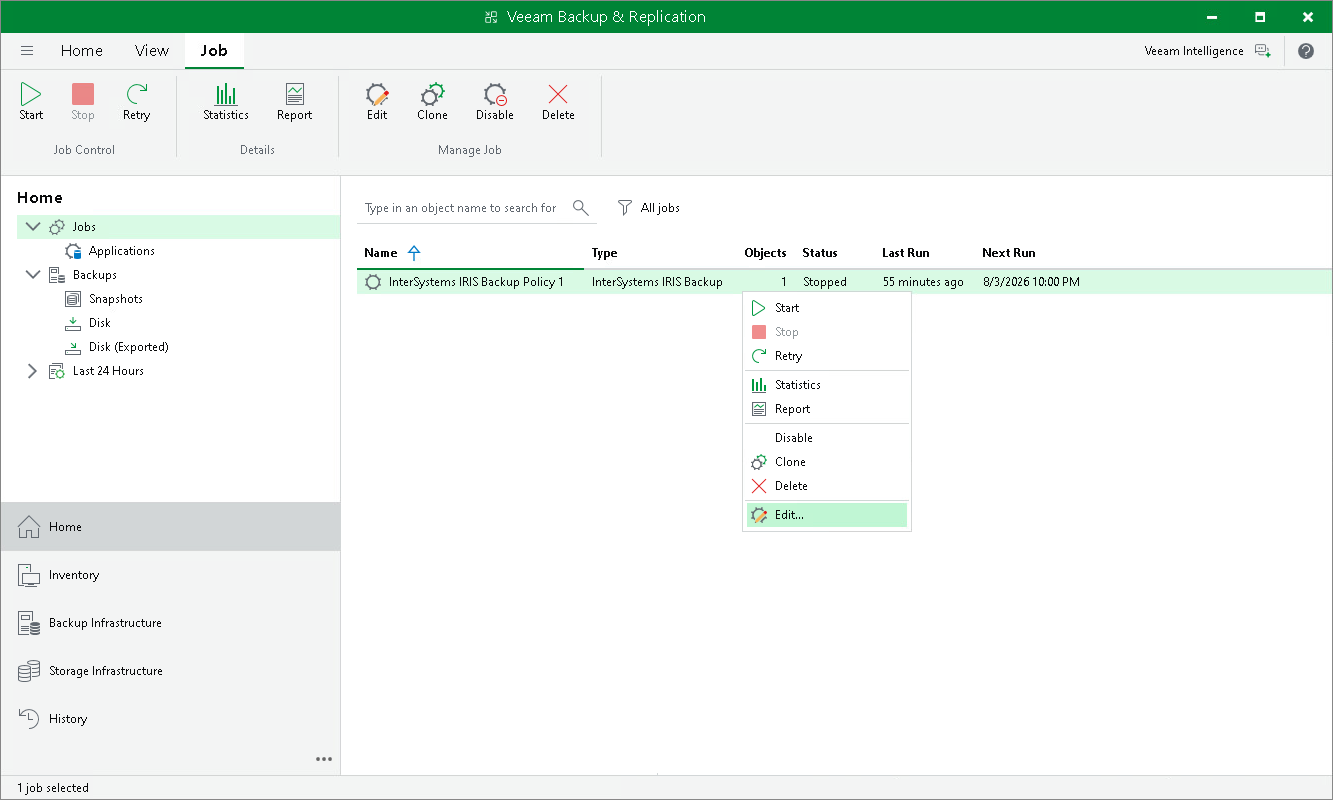
- In the working area, select the backup policy and click Edit on the ribbon or right-click the policy and select Edit.
- Complete the steps of the Edit InterSystems IRIS backup policy wizard to change the policy settings as required.