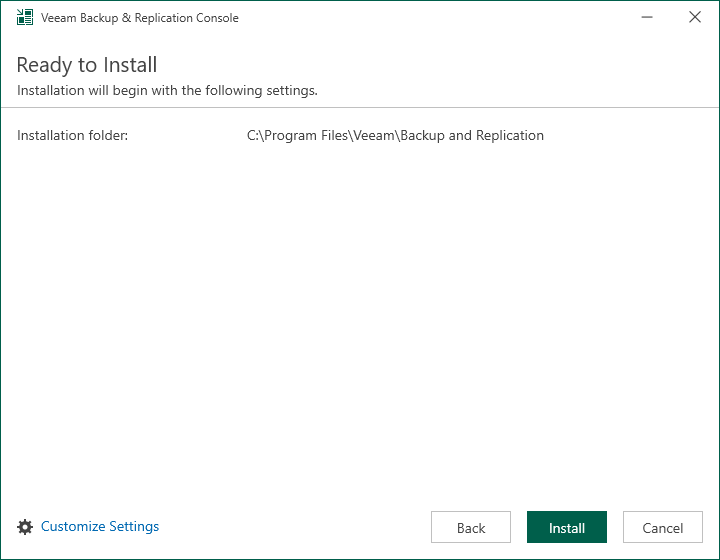
Step 5. Review Default Installation Settings
At the Ready to Install step of the wizard, you can select to install the Veeam Backup & Replication console with default installation settings or specify custom installation settings.
- To use the default installation settings, click Install.
- To use custom installation settings, click Customize Settings. The setup wizard will include additional steps that will let you configure installation settings.
The following table lists the default installation settings.
|
Setting |
Default Value |
Description |
|---|---|---|
|
Installation folder |
C:\Program Files\Veeam\Backup and Replication |
Folder where the Veeam Backup & Replication console will be installed. |