Step 2. Specify Role Name, Description and Capabilities
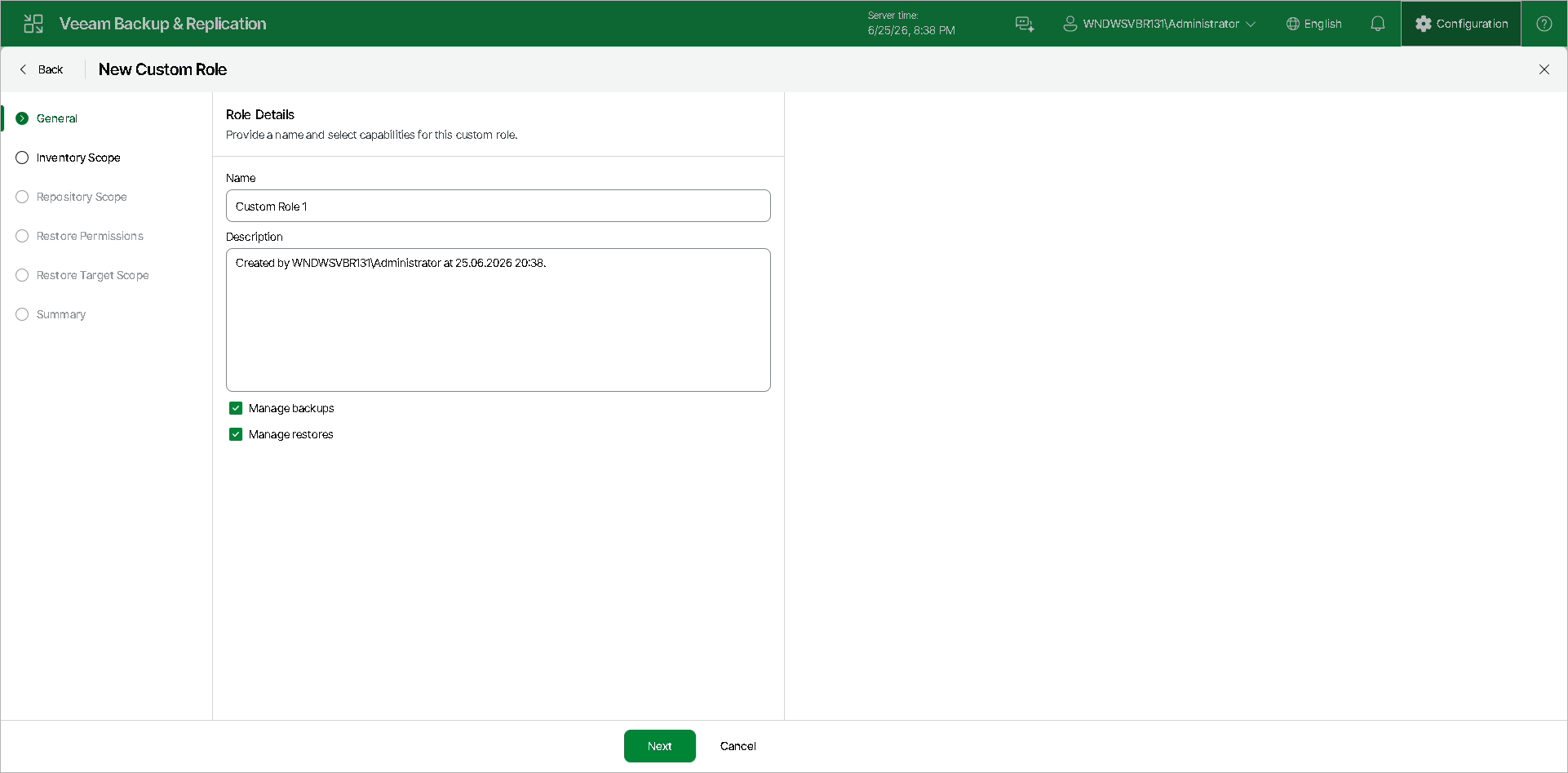
At the General step of the wizard, specify a name and description for the new custom role, and assign at least one capability to it.
- In the Name field, specify a name for the new role.
- In the Description field, provide a description for future reference. The default description contains information about the user who created the role and the date and time when the role was created.
- Select check boxes next to the capabilities that you want to assign to this role:
- Manage backups — allows the user to create and manage their own backup jobs.
If you select this check box, the wizard will include the Inventory Scope and Repository Scope steps. At these steps, you will specify which workloads and repositories are available to users with this role.
- Manage restores — allows the user to perform restores from existing backups.
If you select this check box, the wizard will include the Restore Permissions and Restore Target Scope steps. At these steps, you will specify restore operations and restore targets available to users with this role.