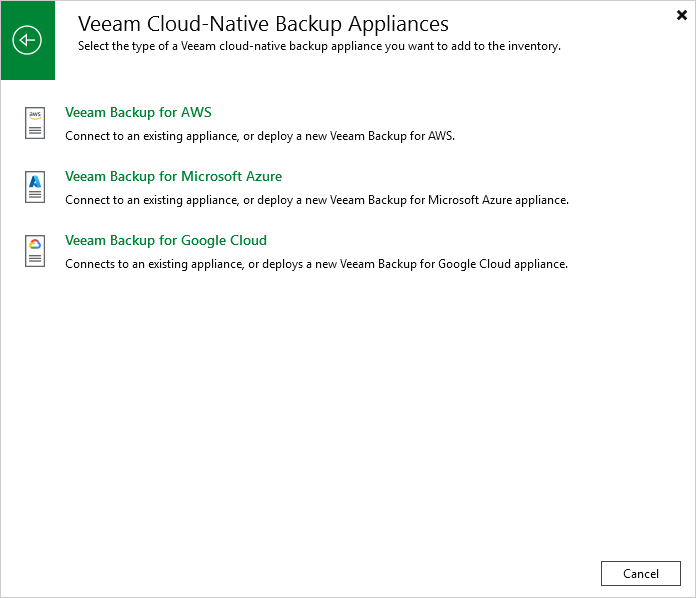
Step 1. Launch New Veeam Backup for GCP Appliance Wizard
To launch the New Veeam Backup for Google Cloud Appliance wizard, do the following:
- In the Veeam Backup & Replication console, open the Backup Infrastructure view.
- Navigate to Managed Servers and click Add Server on the ribbon.
Alternatively, you can right-click the Managed Servers node and select Add Server.
- In the Add Server window:
- [Applies only if several cloud plug-ins are installed] Click Veeam cloud-native backup appliance.
- Choose Veeam Plug-In for Google Cloud.