Disabling and Enabling Backup Jobs
By default, all created jobs run according to the specified schedules. However, you can temporarily disable a job so that it does not run automatically. You will still be able to enable the disabled job at any time you need.
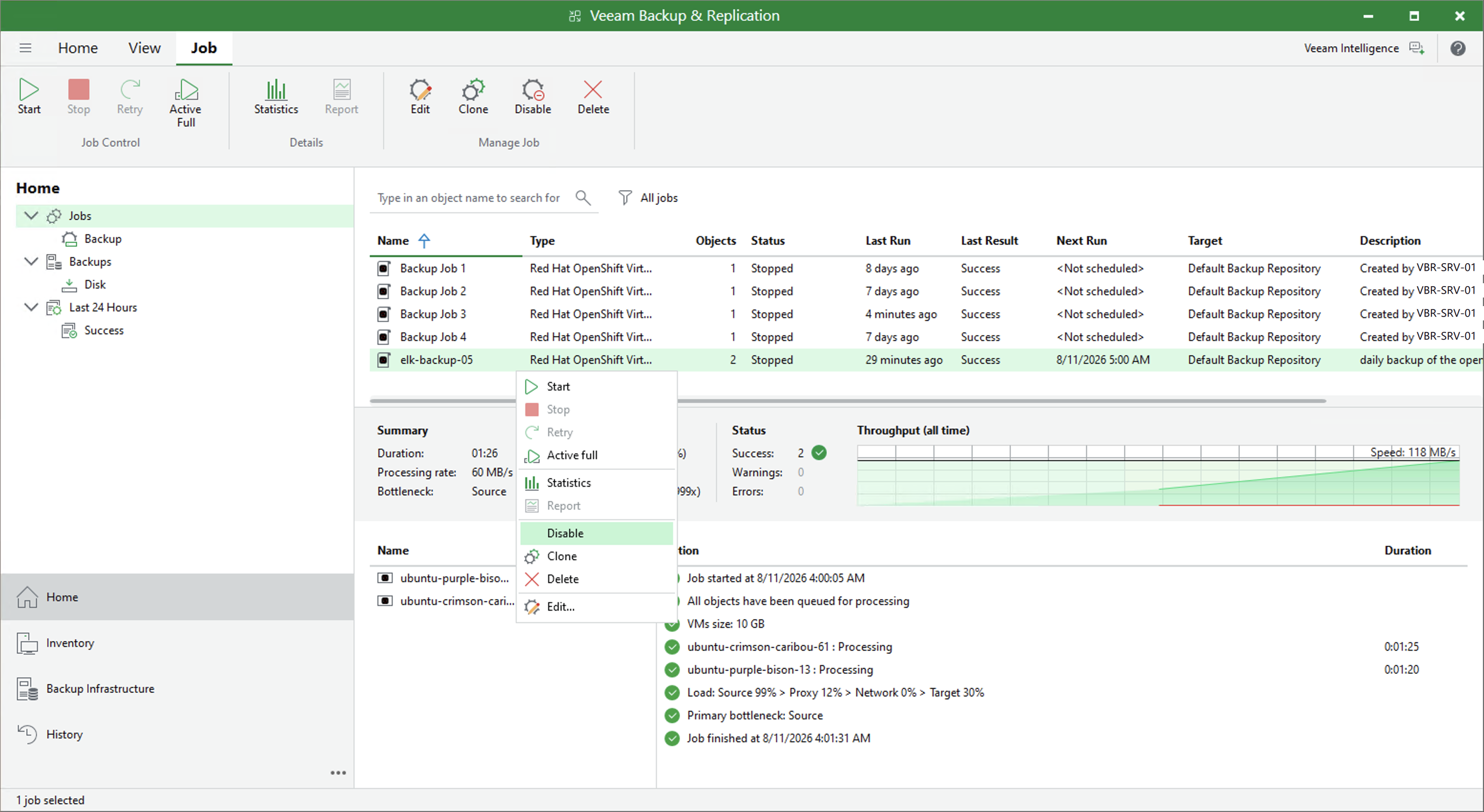
To enable or disable a job, do the following:
- Open the Home view.
- In the inventory pane, navigate to the Jobs.
- In the working area, select the job and select Disable on the ribbon or right-click the job and select Disable.
To enable a disabled job, select it in the list and click Enable on the ribbon once again.