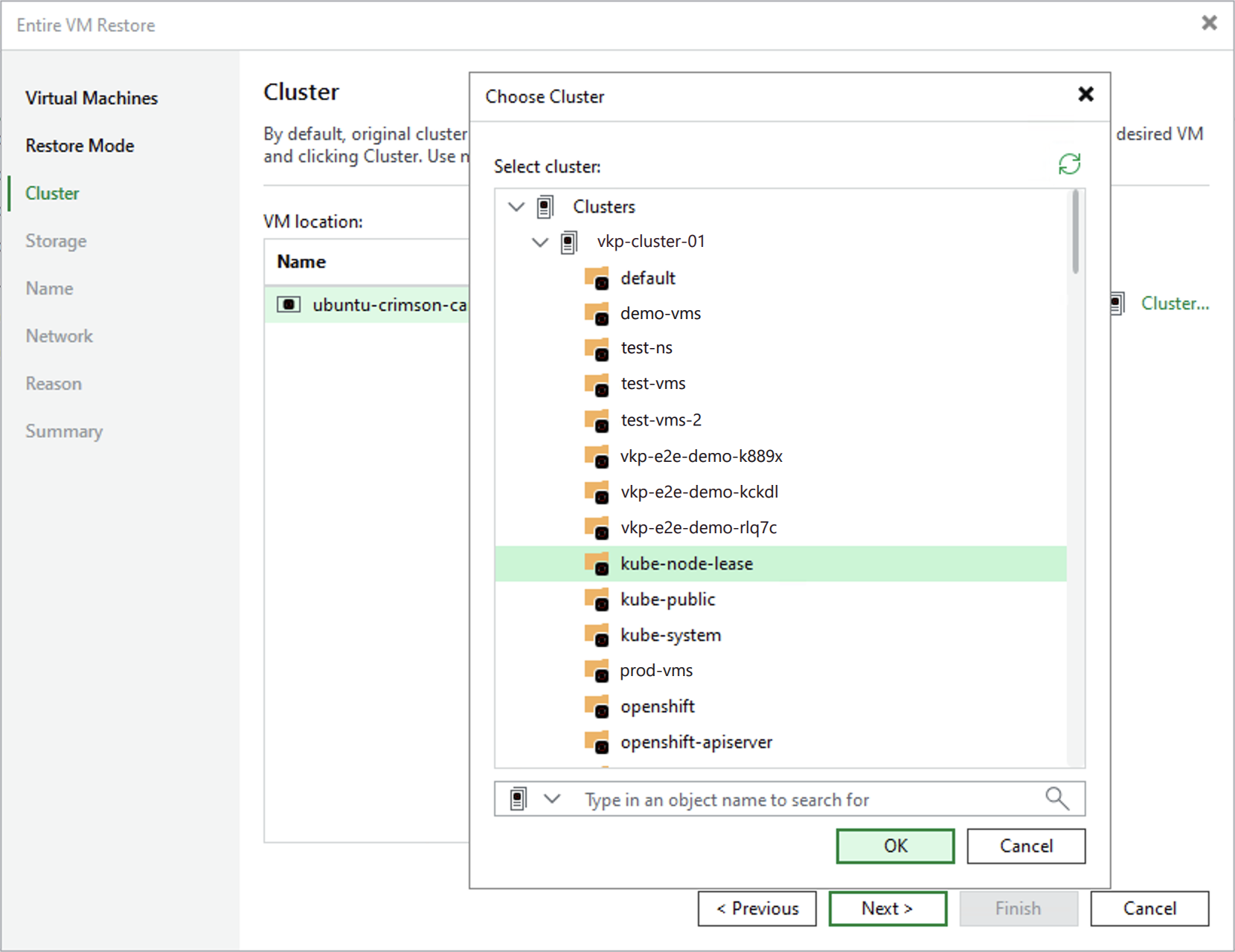
Step 4. Specify Target Cluster
[This step applies only if you have selected the Restore to a new location, or with different settings option at the Restore Mode step of the wizard]
At the Cluster step of the wizard, choose a cluster and a namespace to which the recovered VM will belong. For a cluster to be displayed in the list of the available clusters, it must be added to the backup infrastructure as described in section Adding Red Hat OpenShift Virtualization Server to Backup Infrastructure.