Performing Instant Recovery of Workloads to Nutanix AHV
To perform Instant Recovery to Nutanix AHV environment, do the following:
- Navigate to Backups.
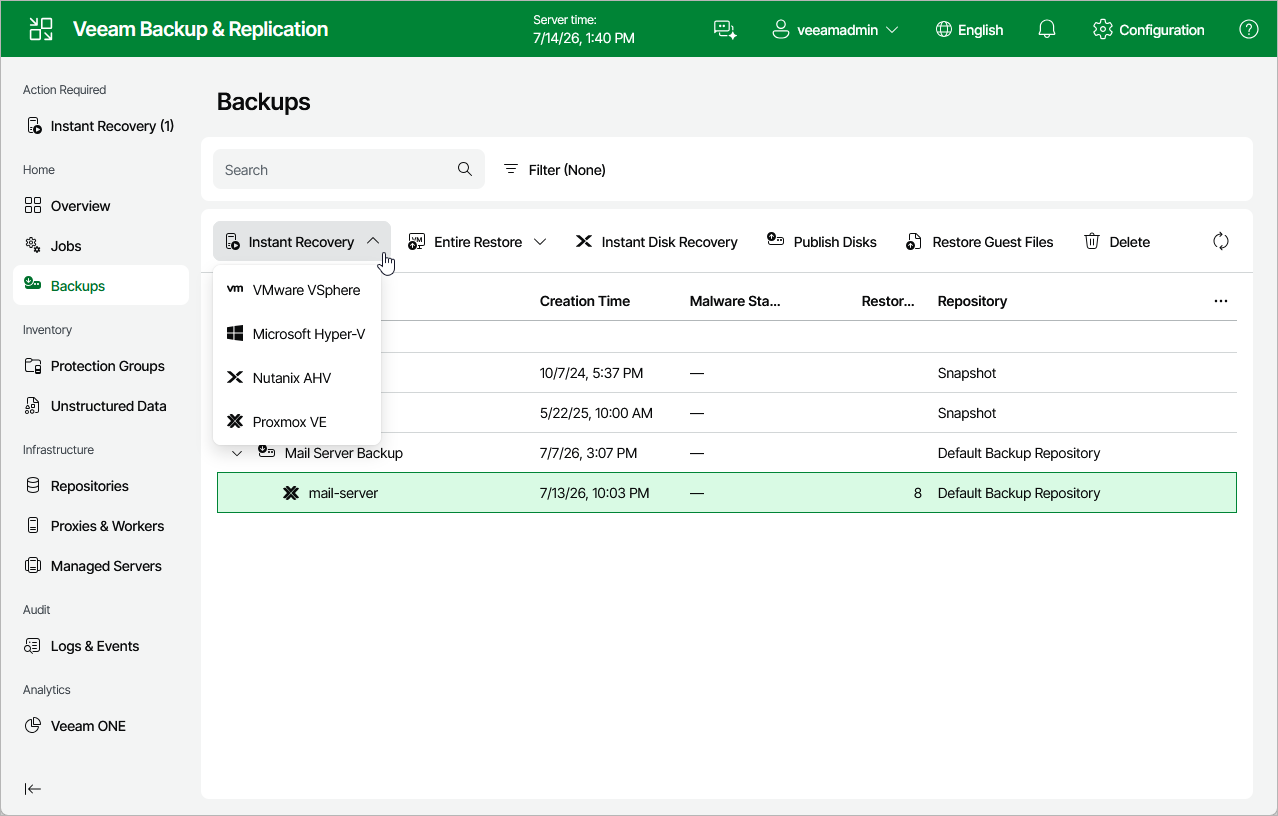
- In the working area, expand the necessary backup job, right-click the VM you want to restore and select Instant recovery.
Alternatively, expand the necessary backup job, select the VM and click Instant Recovery on the ribbon.
- Complete the Instant Recovery wizard as described in section Performing Instant VM Recovery of Workloads to Nutanix AHV.