Creating Active Full Backup
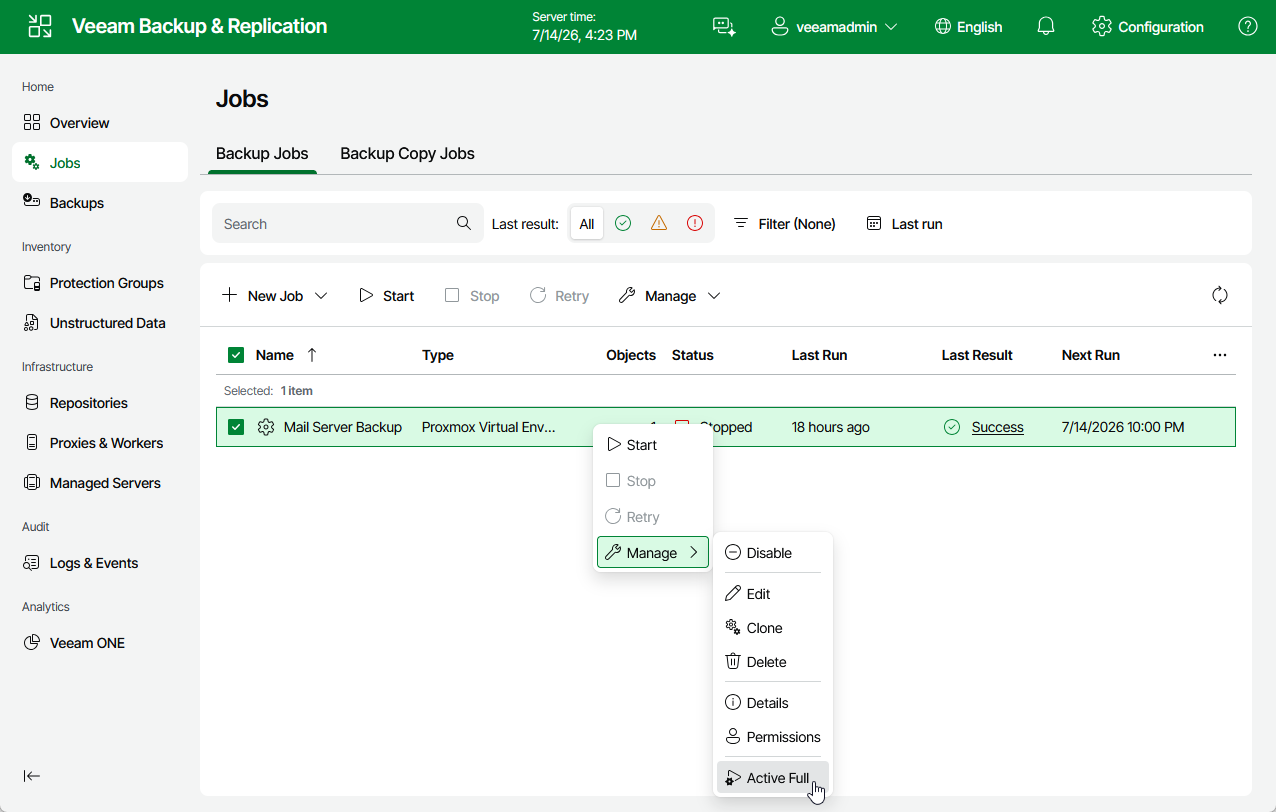
You can manually create an active full backup for all VMs added to a backup job.
- Navigate to Jobs.
- Select the necessary backup job and click Manage > Active Full.
|
Note |
|
To create active full backup automatically according to a specific schedule, configure backup job settings as described in section Creating Backup Jobs (step 6). |